VisionOS-UI-Framework
Spatial layouts, a carousel, immersive space handling and bounded manipulation for visionOS, with SwiftUI and RealityKit.
License: MIT
A dependency-free Swift package (module VisionUI) for visionOS 2, iOS 18 and macOS 15. Five layouts place SwiftUI views and RealityKit entities in 3D from the same data, a coordinator opens and dismisses immersive spaces one request at a time, and a value-type state keeps dragged, pinched and turned objects inside the limits you set. On iOS and macOS the layouts are drawn as seen from the front, so the same code runs there too.
Features
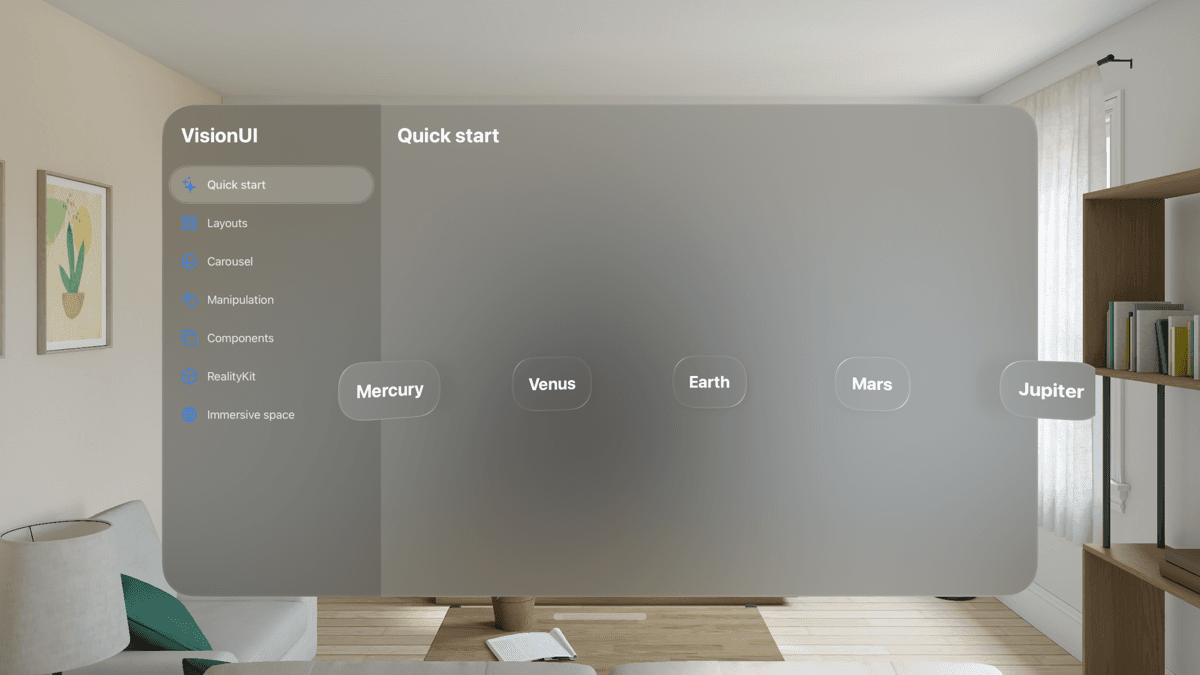
- Five layouts (arc, ring, grid, sphere, helix) that return a position in meters and an orientation per item, for SwiftUI views with SpatialLayoutView and for RealityKit entities with arrangeChildren(using:)
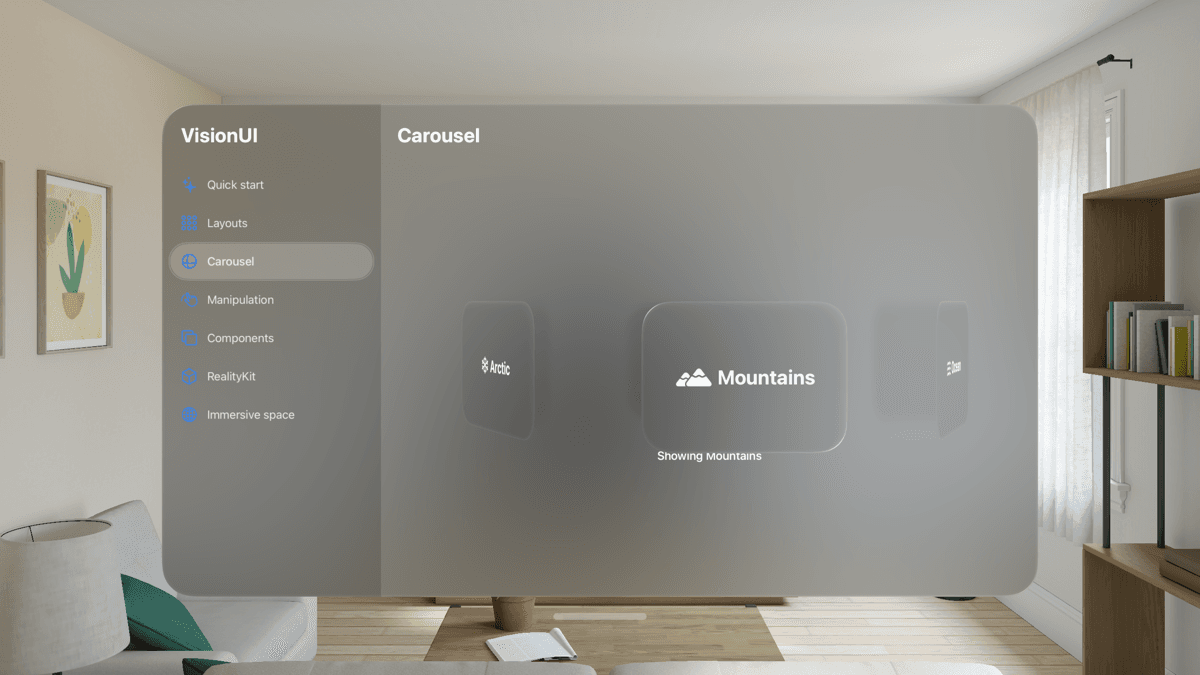
- SpatialCarousel: a ring of views turned by a drag that settles on the nearest view, with a selection binding, a VoiceOver adjustable action and Reduce Motion support
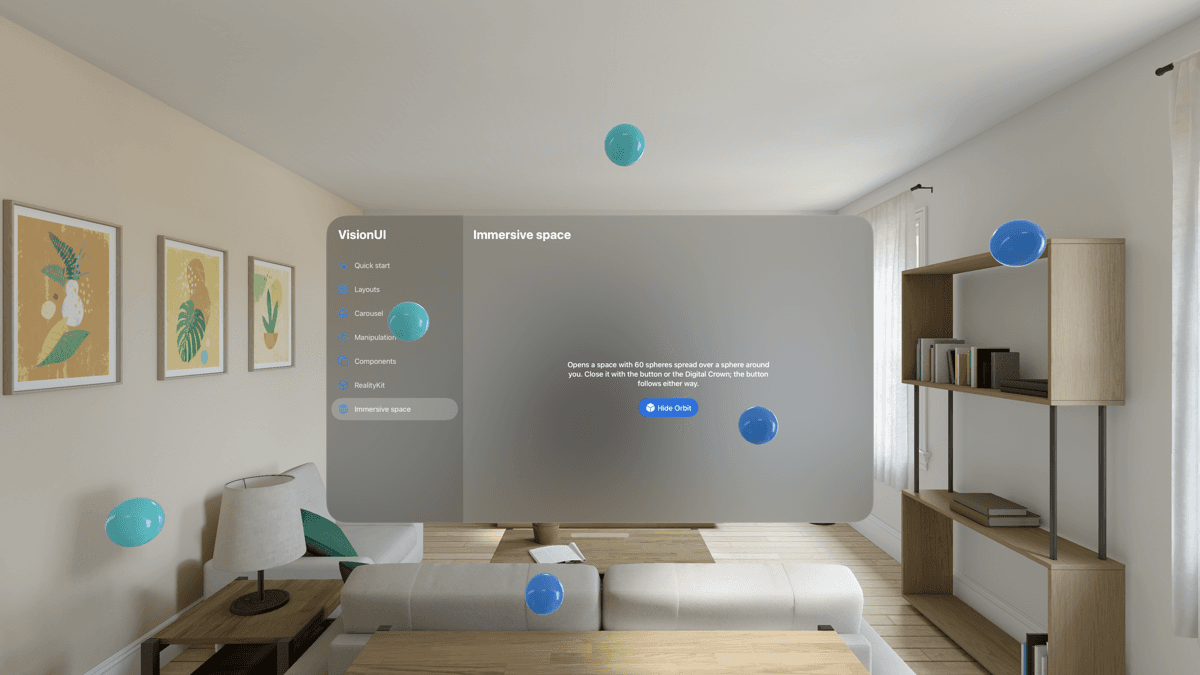
- ImmersiveSpaceCoordinator refuses a second request during a transition, dismisses one space before opening another, ignores late answers of replaced requests and follows the system when a space is closed with the Digital Crown
- ManipulationState keeps an object inside a box and a scale range, with free, upright or locked rotation, yaw snapping and one starting value per gesture
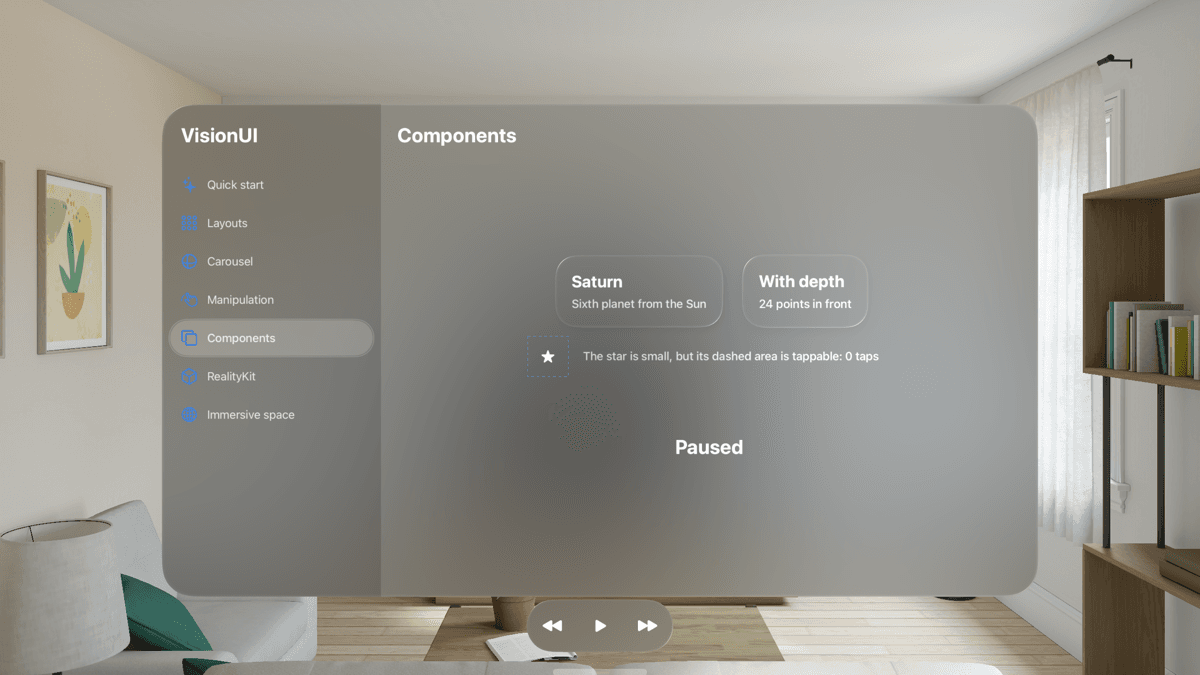
- SpatialCard, a toolbar that becomes an ornament on visionOS, and hit targets sized to Apple's guidelines (60 pt on visionOS, 44 on iOS, 28 on macOS)
- Input checks on every public API: counts capped at 4096 items, lengths at 10 km, and NaN or infinite arguments fall back to documented defaults
- 97 Swift Testing tests run on macOS and an iPhone simulator; 87 of them, all but the pixel tests, also run on a visionOS simulator
- DocC catalog with four articles and the SpatialGallery example app for visionOS, iOS and macOS; the README samples are compiled by both the app and the tests
Quickstart
1import SwiftUI2import VisionUI3 4struct ContentView: View {5 let planets = ["Mercury", "Venus", "Earth", "Mars", "Jupiter"]6 7 var body: some View {8 SpatialLayoutView(.arc(radius: 0.6, spacing: 0.17), planets, id: \.self) { planet in9 SpatialCard {10 Text(planet)11 .font(.title)12 }13 }14 }15}Installation
Xcode (File › Add Package Dependencies…)
1https://github.com/muhittincamdali/VisionOS-UI-Framework.gitSwift Package Manager
1dependencies: [2 .package(url: "https://github.com/muhittincamdali/VisionOS-UI-Framework.git", from: "2.0.0")3],4targets: [5 .target(name: "YourApp", dependencies: [6 .product(name: "VisionUI", package: "VisionOS-UI-Framework")7 ])8]Screenshots
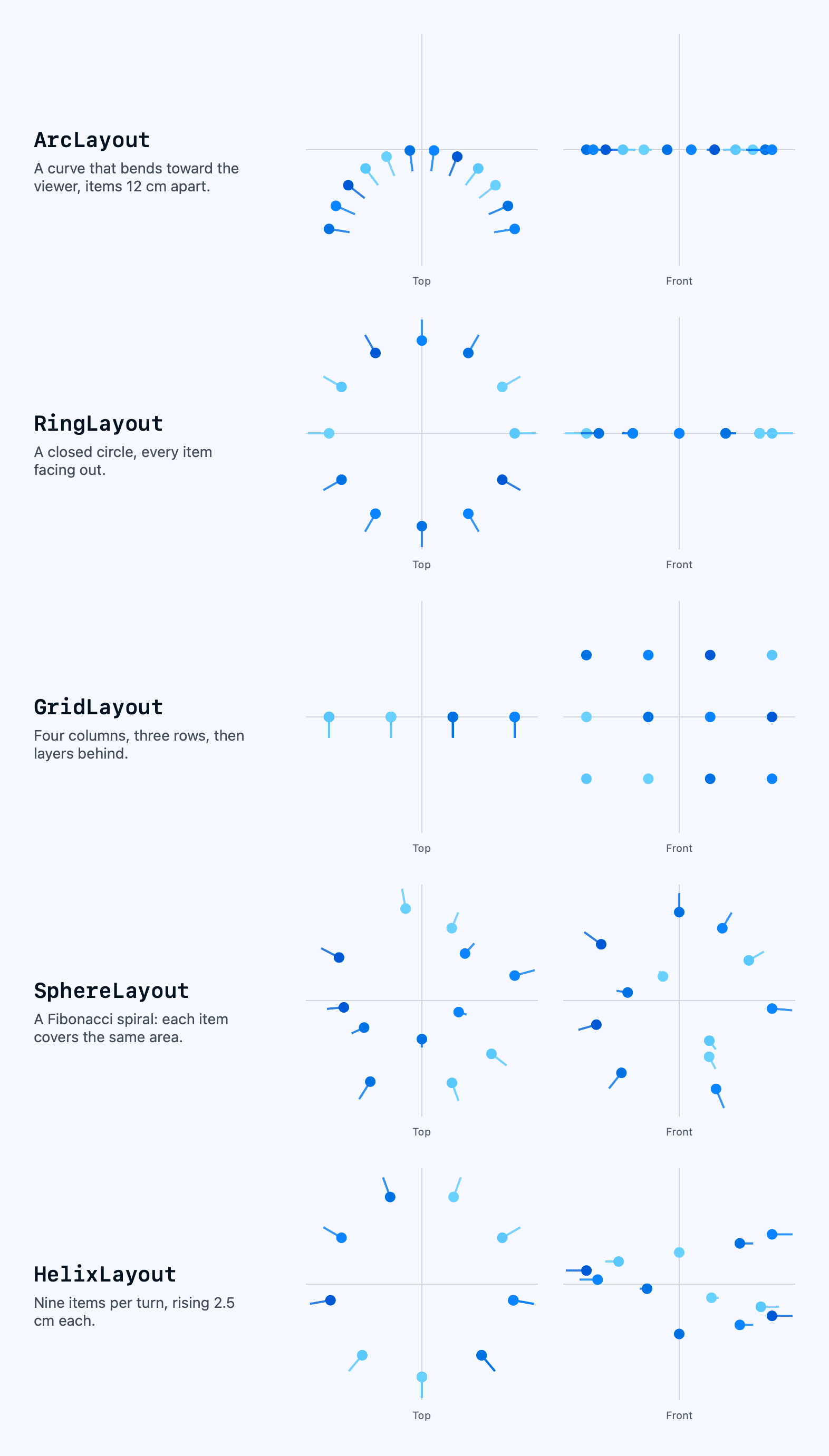
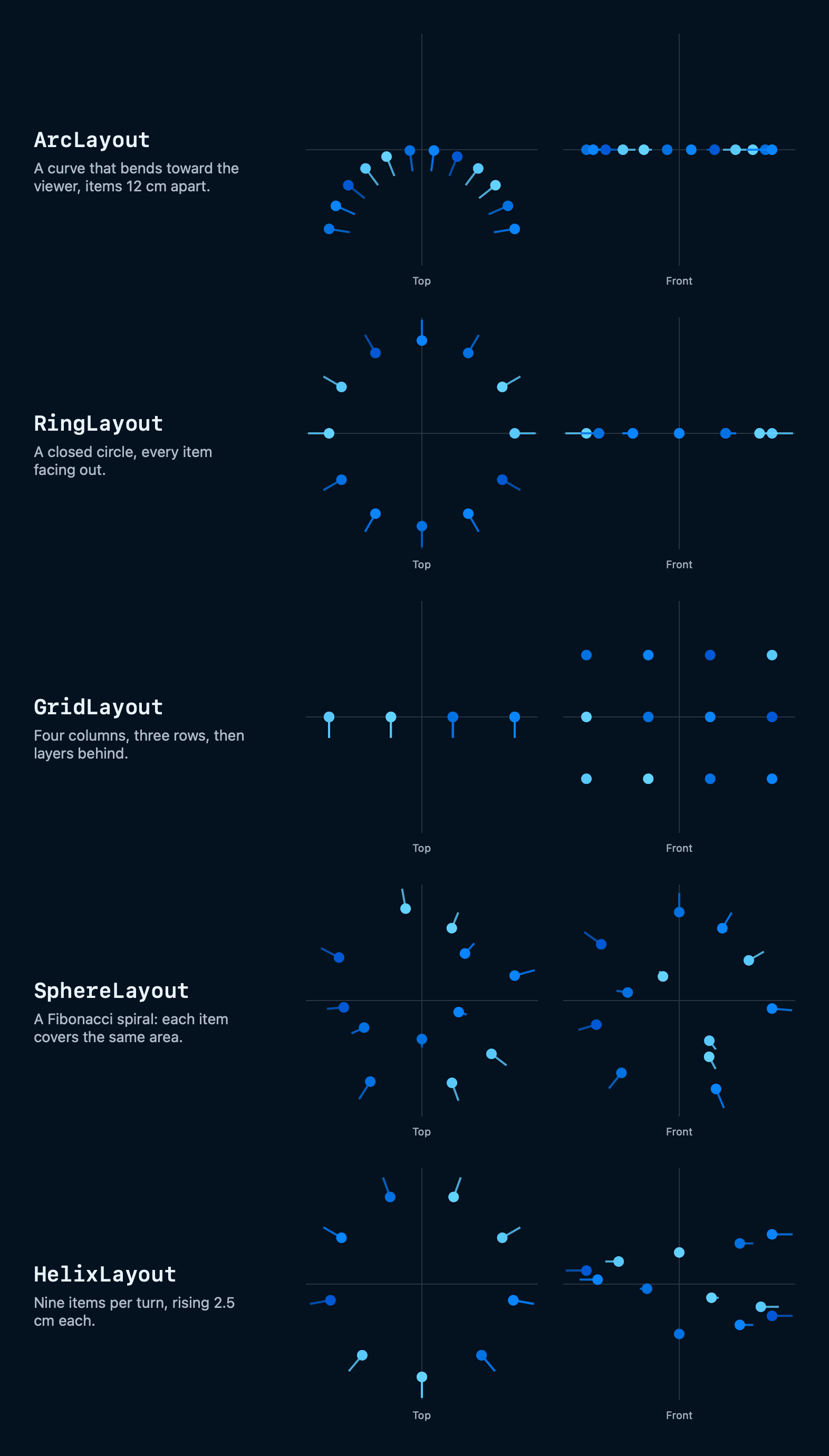
Timeline
Repository opened; most of its first month went into documentation pages and workflows
v1.0.0 tagged; its manifest declared .visionOS(.v1_0), a platform version that does not exist, so Swift Package Manager could not resolve it
The components were removed and the package was reduced to placeholder code
v2.0.0: placeholders removed and the package rewritten from scratch as VisionUI, with five spatial layouts, an immersive space coordinator, bounded manipulation, 97 tests, DocC and an example app for three platforms