SwiftUI-iOS26-Showcase
Sixteen runnable SwiftUI demos of the APIs new in iOS 26 and macOS 26, from Liquid Glass to Foundation Models.
License: MIT
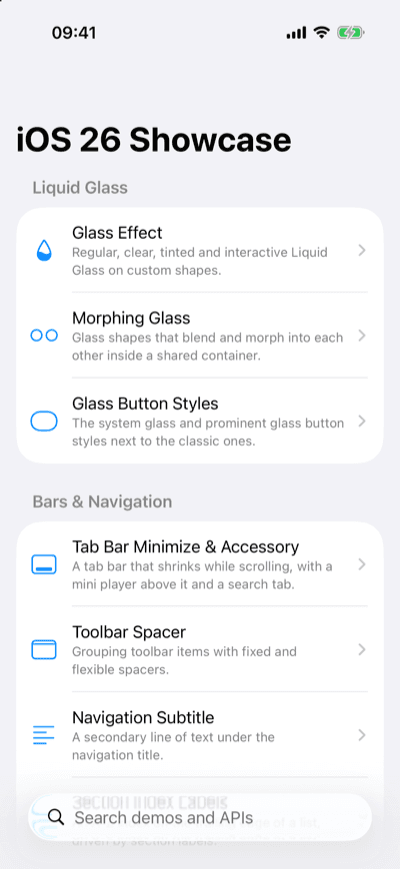
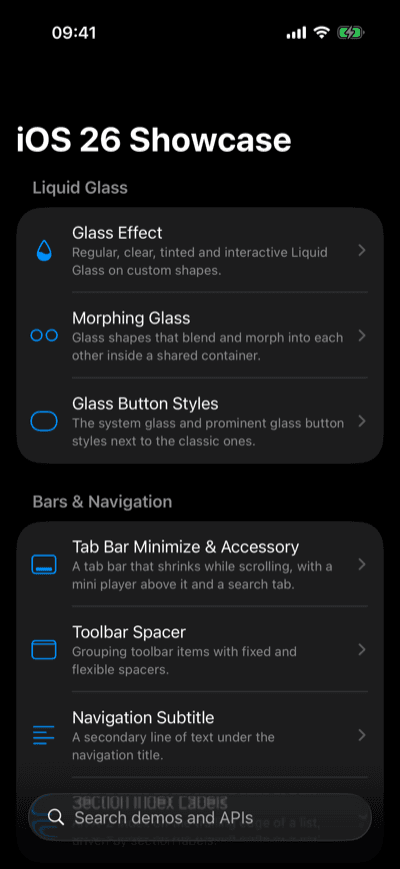
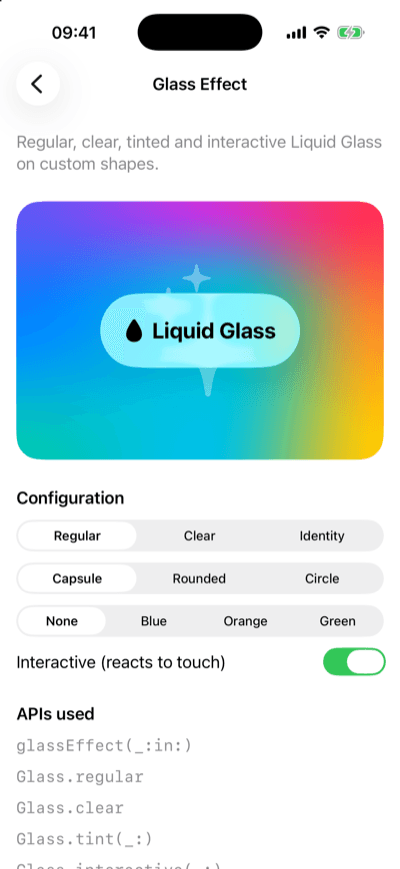
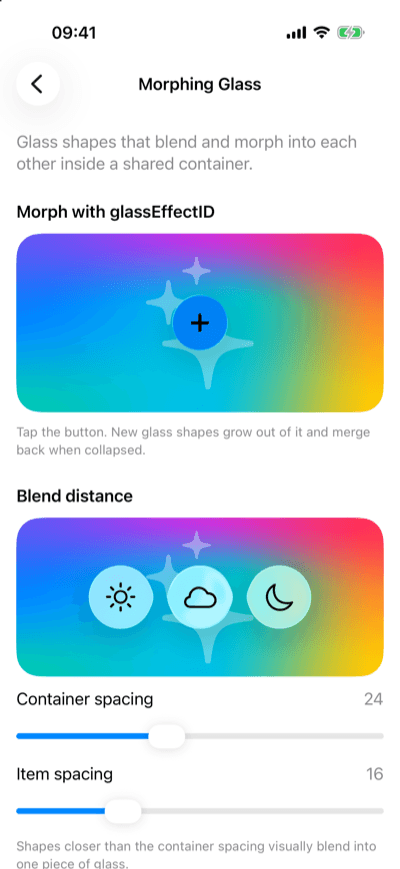
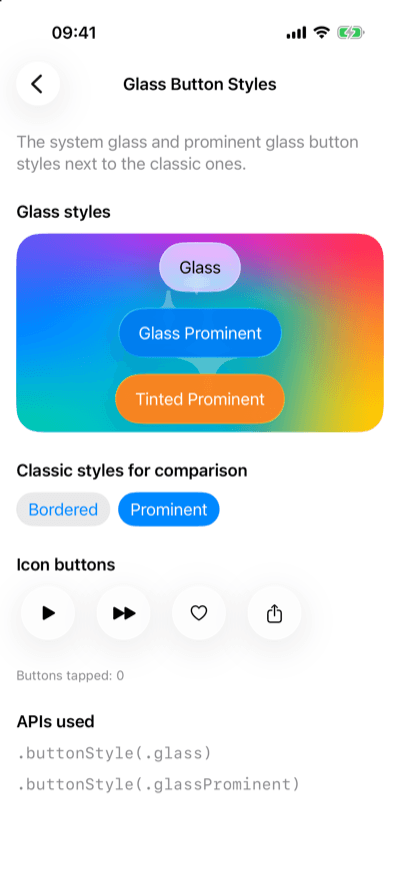
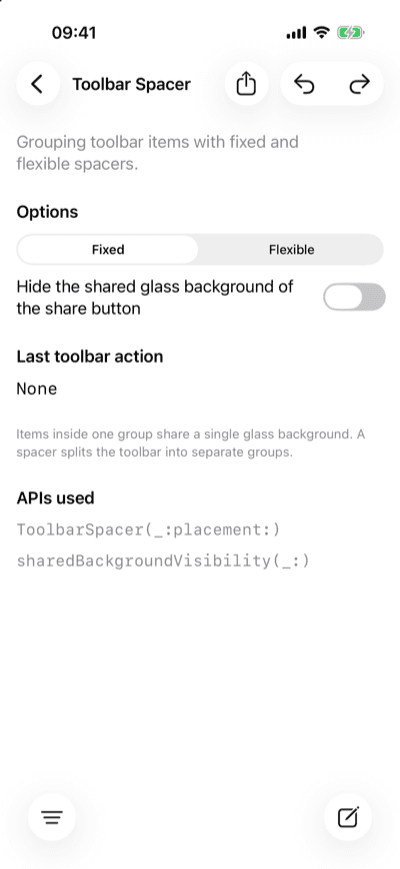
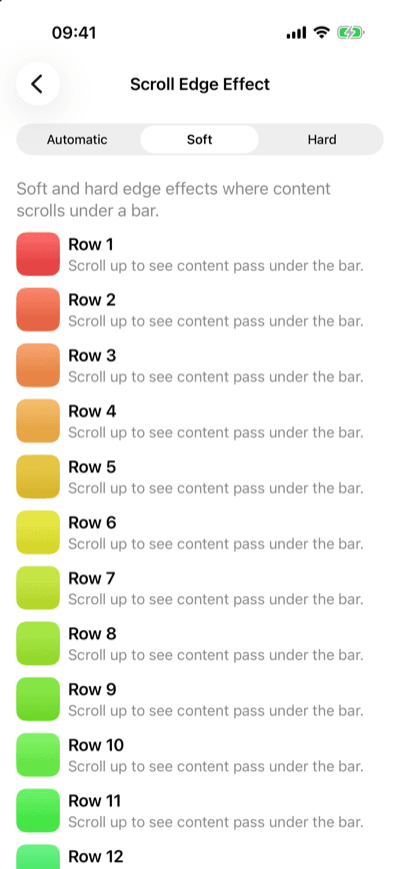
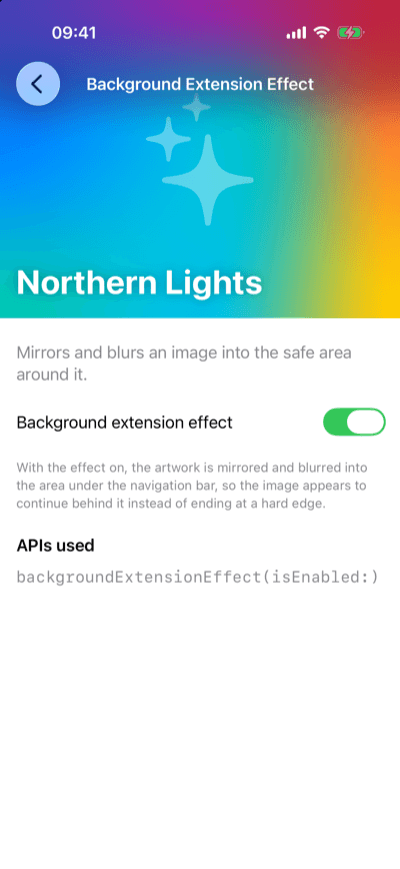
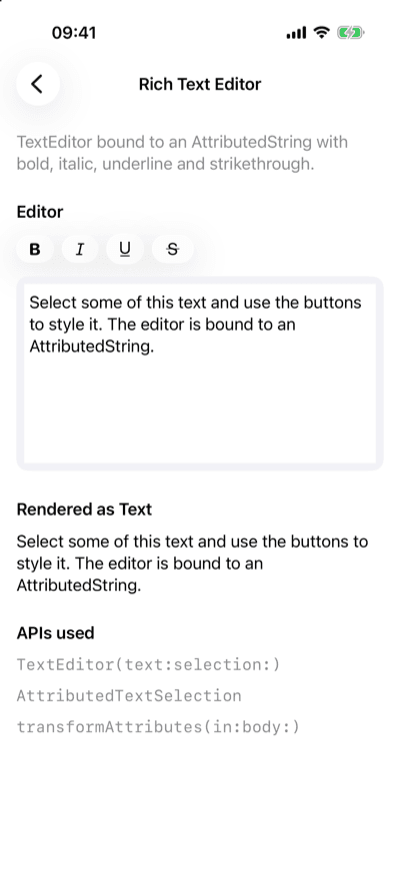
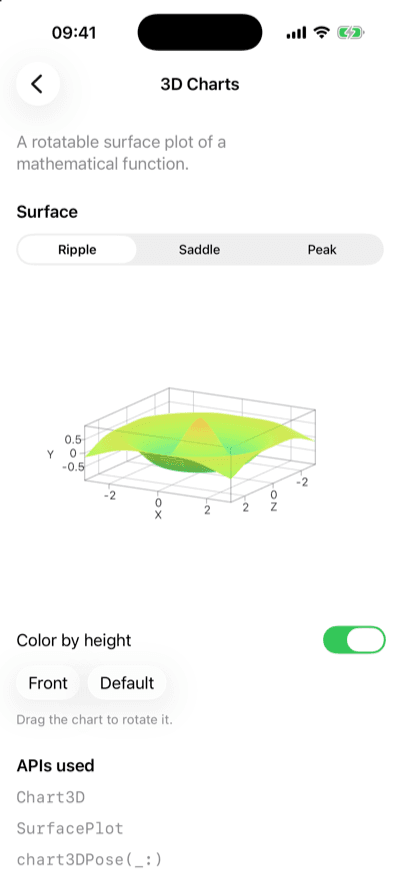
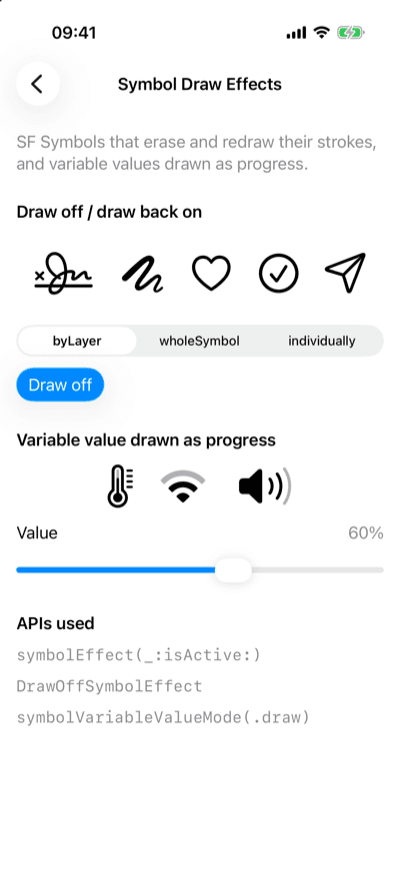
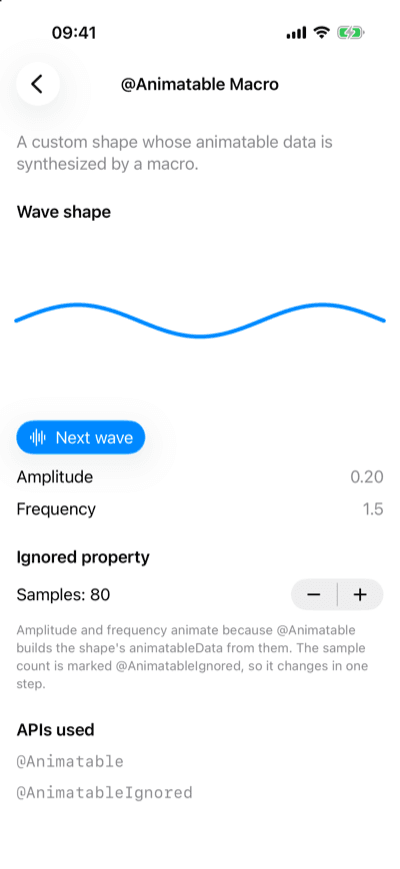
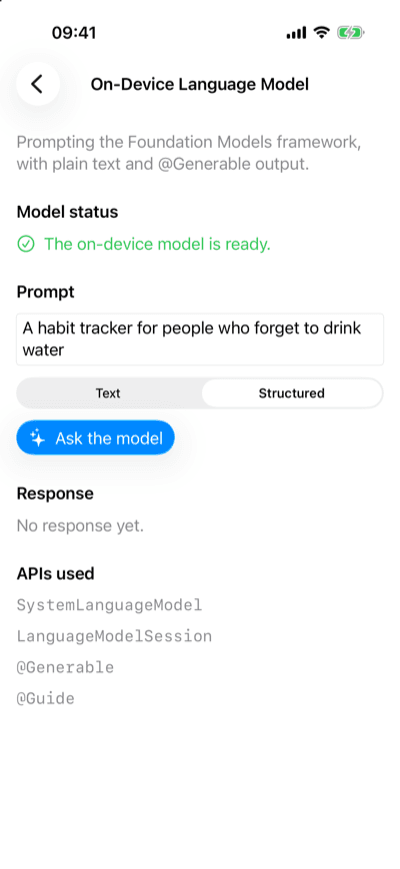
A Swift package with sixteen small SwiftUI screens, each built around one group of APIs that are new in iOS 26 and macOS 26: Liquid Glass, the new bar and scroll modifiers, rich text editing, the native web view, 3D charts, SF Symbol draw effects, the @Animatable macro and the on-device Foundation Models framework. Every screen has controls to try the API's options and lists the SDK symbols it uses. Run the whole gallery, or drop a single screen into your own app.
Features
- 16 demos in 6 categories: Liquid Glass, bars and navigation, scrolling and layout, text and web, charts and symbols, and Apple Intelligence. 14 of them also run on macOS.
- ShowcaseGallery lists the demos available on the current platform; search matches titles, summaries and API names.
- ShowcaseDemoView(.chart3D) puts a single demo into your own navigation.
- ShowcaseCatalog holds the search, grouping and lookup logic without depending on SwiftUI views, so it is covered by plain unit tests.
- Swift Testing suites run on macOS and in the iOS Simulator; a test fails when the README demo table and the demo metadata disagree.
- A rendering test checks that each demo draws more than its summary and API list, within what ImageRenderer can draw.
- An iOS and macOS example app that can open any demo from a launch argument.
Quickstart
1import SwiftUI2import SwiftUIiOS26Showcase3 4@main5struct DemoApp: App {6 var body: some Scene {7 WindowGroup {8 ShowcaseGallery()9 }10 }11}Installation
Xcode: File > Add Package Dependencies…
1https://github.com/muhittincamdali/SwiftUI-iOS26-Showcase.gitPackage.swift
1.package(url: "https://github.com/muhittincamdali/SwiftUI-iOS26-Showcase.git", from: "2.0.0")Screenshots
Timeline
Repository opened; v1.0.0 tagged on the first commit
Old demo apps removed and the package reduced to a minimal core, which held only placeholders
Rebuilt as 2.0.0: sixteen iOS 26 demos, a searchable catalog, Swift Testing on macOS and the iOS Simulator, an example app and DocC (PR #3)