SwiftShaders
Metal shader effects for SwiftUI views: color, blur, distortion, ripples and transitions.
License: MIT
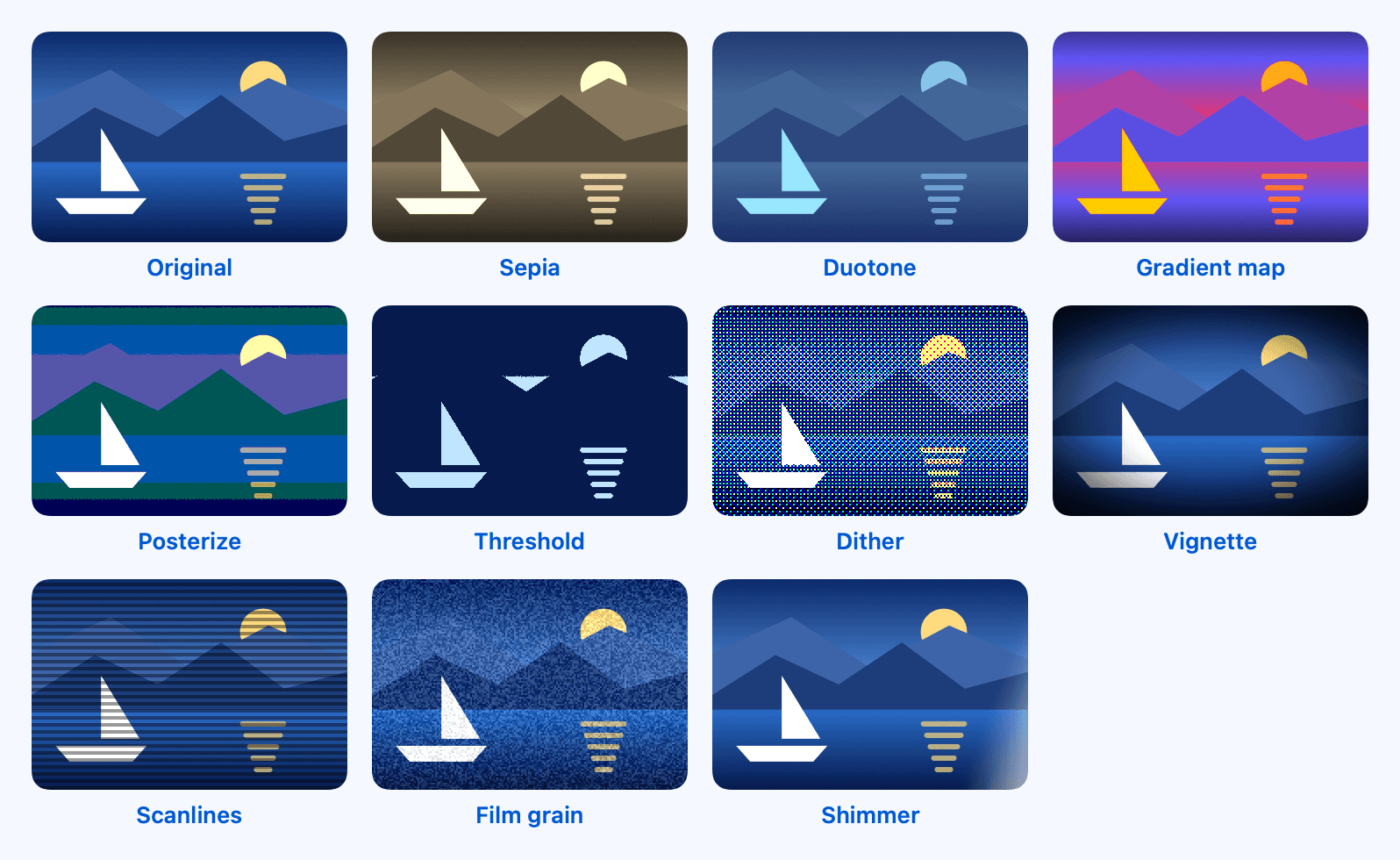
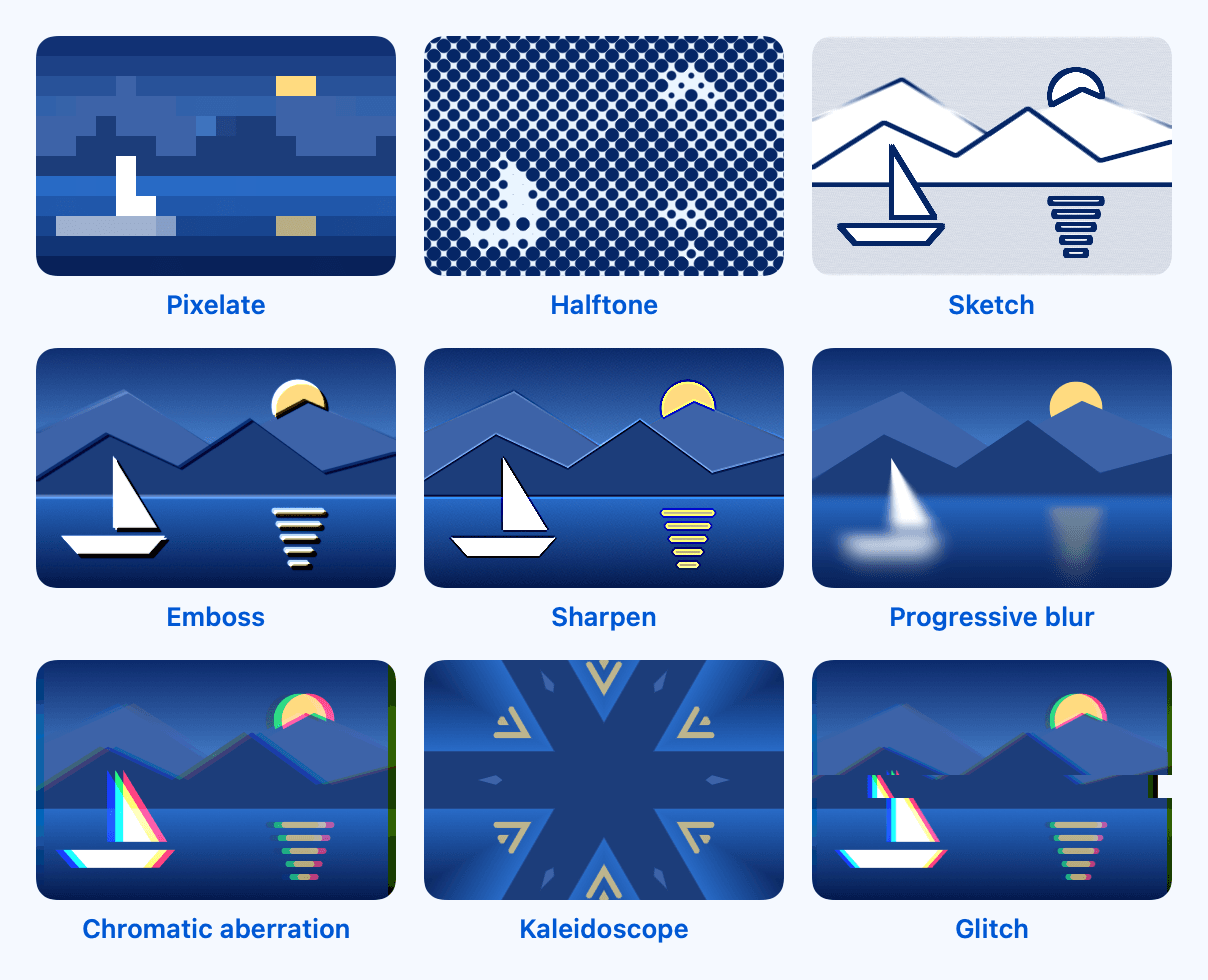
A dependency-free Swift package for iOS 17+ and macOS 14+. Each effect is one view modifier, fill or transition on top of SwiftUI's own colorEffect, distortionEffect and layerEffect, so it works on any view. Every public argument is checked before it reaches the GPU, and the effects are verified by tests that render views and compare pixels.
Features
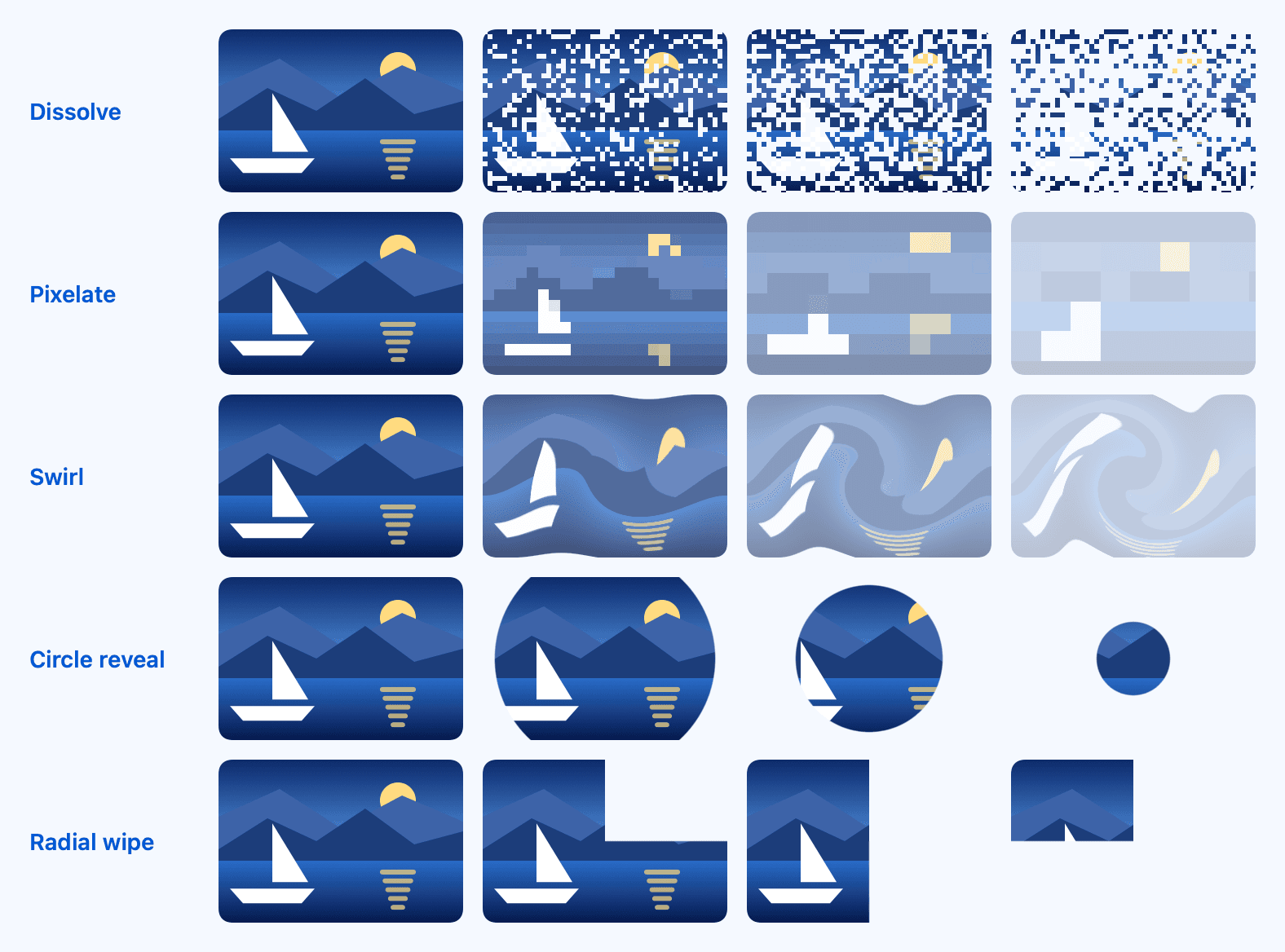
- 26 view modifiers, 3 fills and 5 transitions backed by 31 [[ stitchable ]] Metal functions
- Argument checks: ranges are clamped, NaN switches an effect off, sample offsets are limited to the view's diagonal and gradient maps use at most 256 colors
- Clean edges: effects that compare neighboring pixels read only inside the view, and color effects keep the antialiased alpha of text
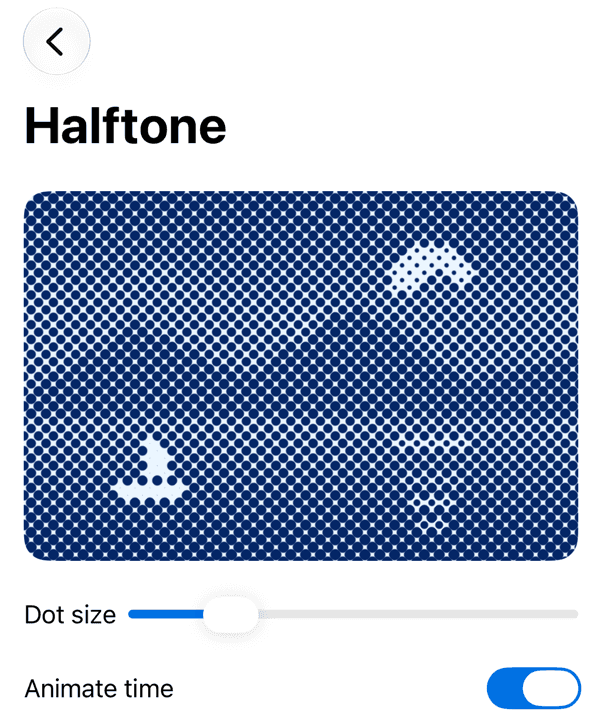
- ShaderTime (.animated, .animated(speed:), .fixed(_:)) for animated effects, which stop on their first frame when Reduce Motion is on
- Tap-following ripples that leave the view's own gestures working
- ShaderLibrary.swiftShaders to call the shader functions directly, and SwiftShaders.isMetalLibraryAvailable to check that the build tool compiled them
- 77 Swift Testing tests run on macOS and an iPhone simulator; a library test compares the compiled function names with the names the Swift code calls
- DocC catalog with three articles and the ShaderGallery example app for iOS and macOS
Quickstart
1import SwiftShaders2import SwiftUI3 4struct ContentView: View {5 var body: some View {6 Image(systemName: "mountain.2.fill")7 .font(.system(size: 96))8 .foregroundStyle(.blue)9 .padding(40)10 .background(.blue.opacity(0.15), in: .rect(cornerRadius: 24))11 .halftone(dotSize: 6, ink: .blue, paper: .white)12 }13}Installation
Xcode (File › Add Package Dependencies…)
1https://github.com/muhittincamdali/SwiftShaders.gitSwift Package Manager
1.package(url: "https://github.com/muhittincamdali/SwiftShaders.git", from: "2.0.0")Screenshots


Timeline
Repository opened with three effects; v1.0.0 tagged on the first commit and expanded the same week
Shader sources removed; the package was reduced to placeholder code
Rebuild started: placeholder sources, templates and old tests removed
v2.0.0: rewritten from scratch on SwiftUI's shader modifiers, with 31 Metal functions, pixel tests, DocC and an example app