LiquidGlassKit
Liquid Glass surfaces and controls for SwiftUI: native glass on OS 26, a Material fallback down to iOS 17.
License: MIT
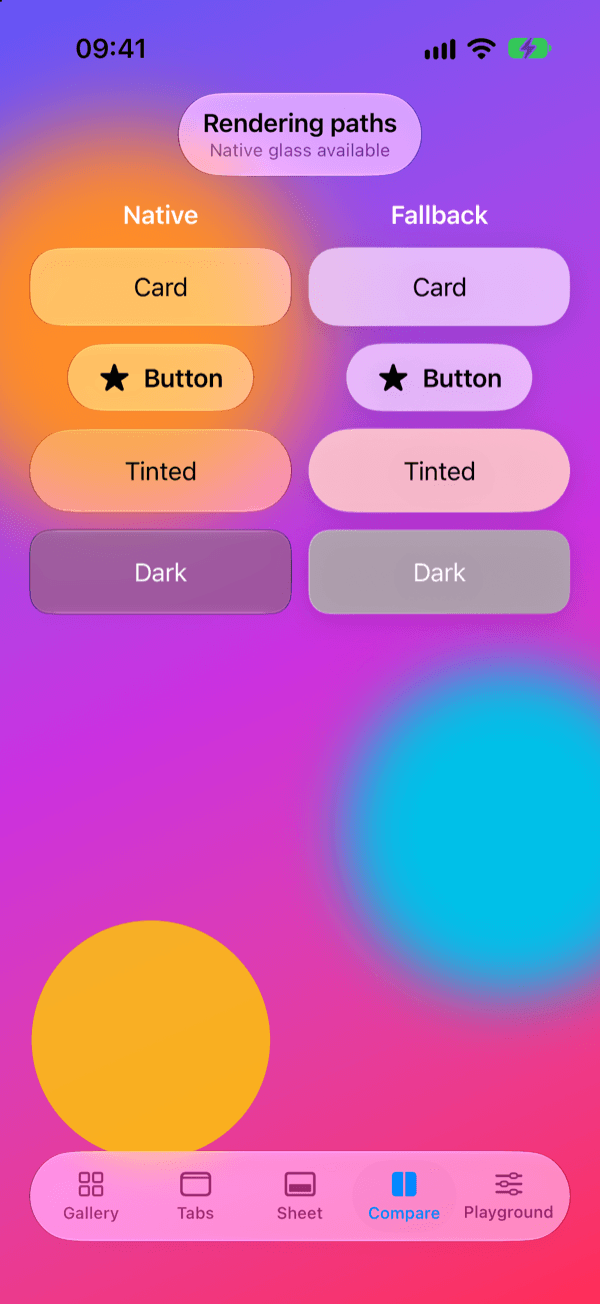
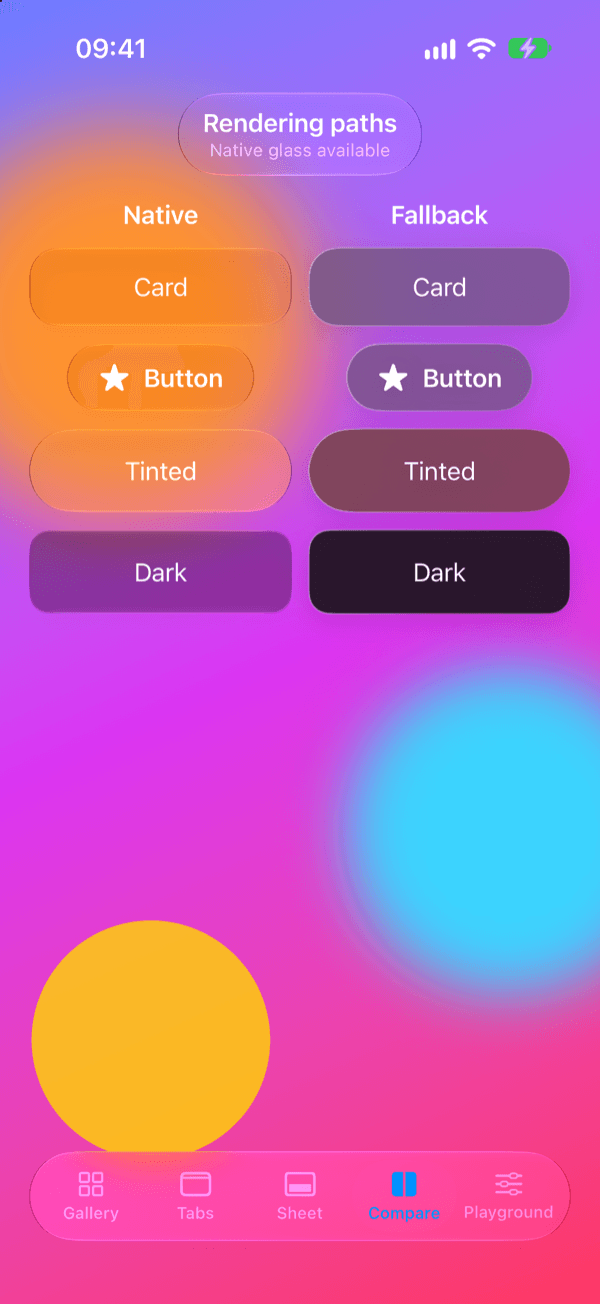
A SwiftUI package for apps that want Liquid Glass but still support systems without it. On iOS, macOS, tvOS and watchOS 26 it draws with SwiftUI's native glassEffect; on earlier versions and on visionOS it draws a Material blur with a tint, an edge highlight and a shadow. Every component is built on one modifier, glassSurface, so the theme, the rendering path and Reduce Transparency are handled in one place. No third-party dependencies.
Features
- One modifier, two paths: glassSurface picks native glass or the Material fallback at run time, and glassRenderingMode(.fallback) forces one look everywhere
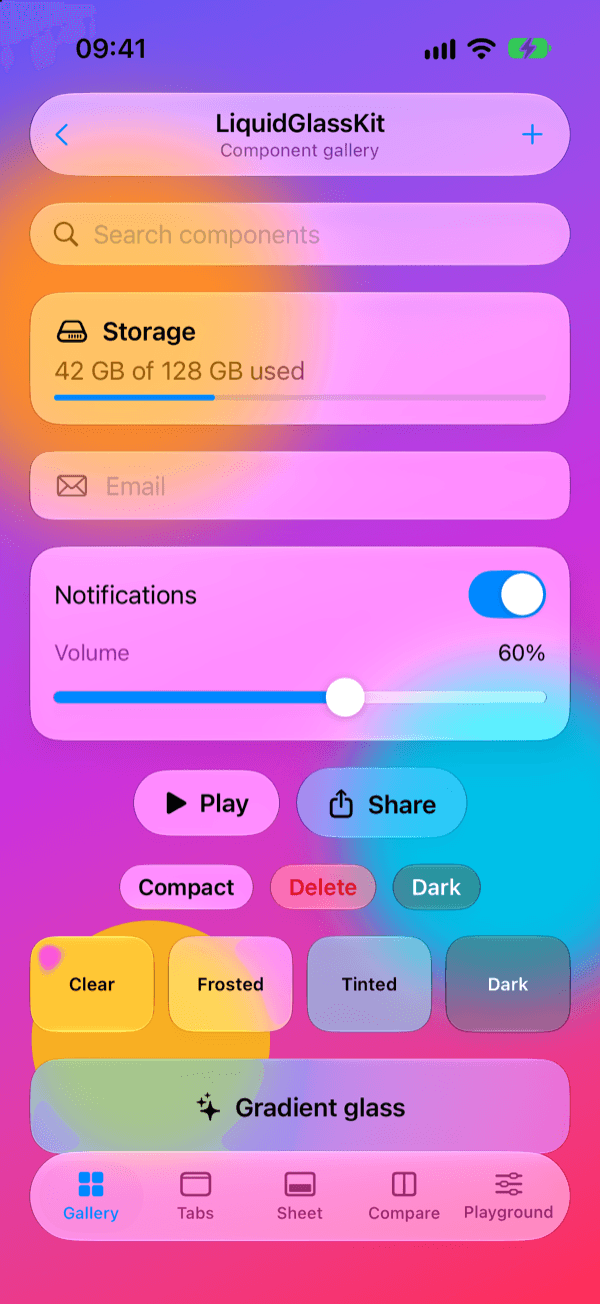
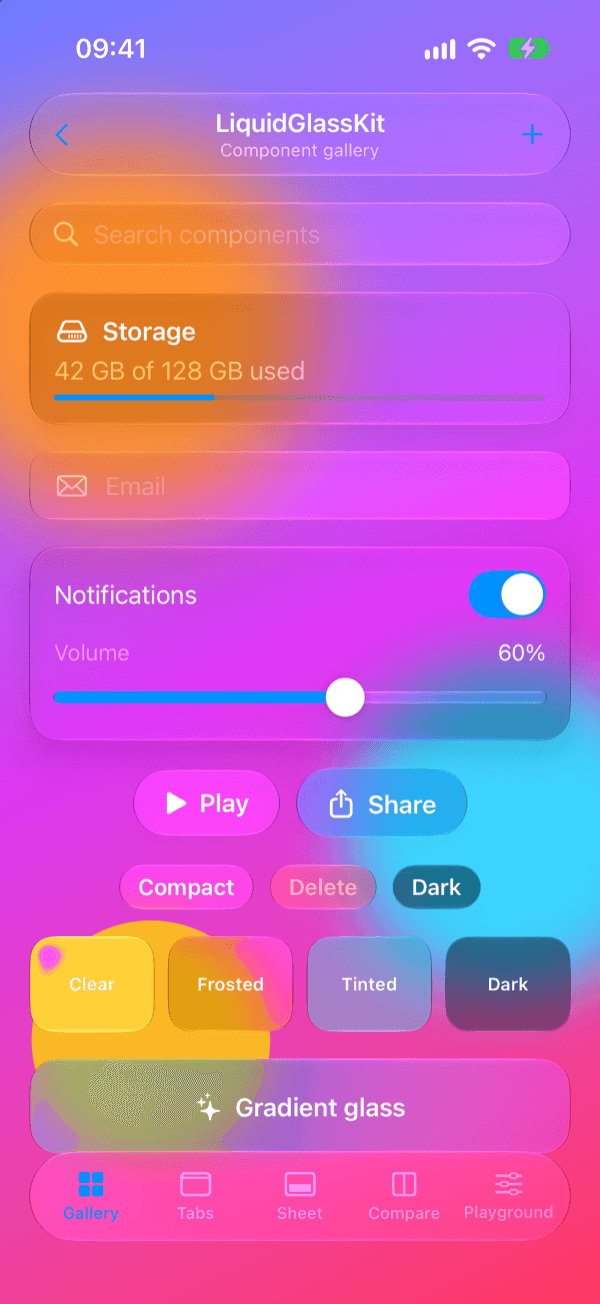
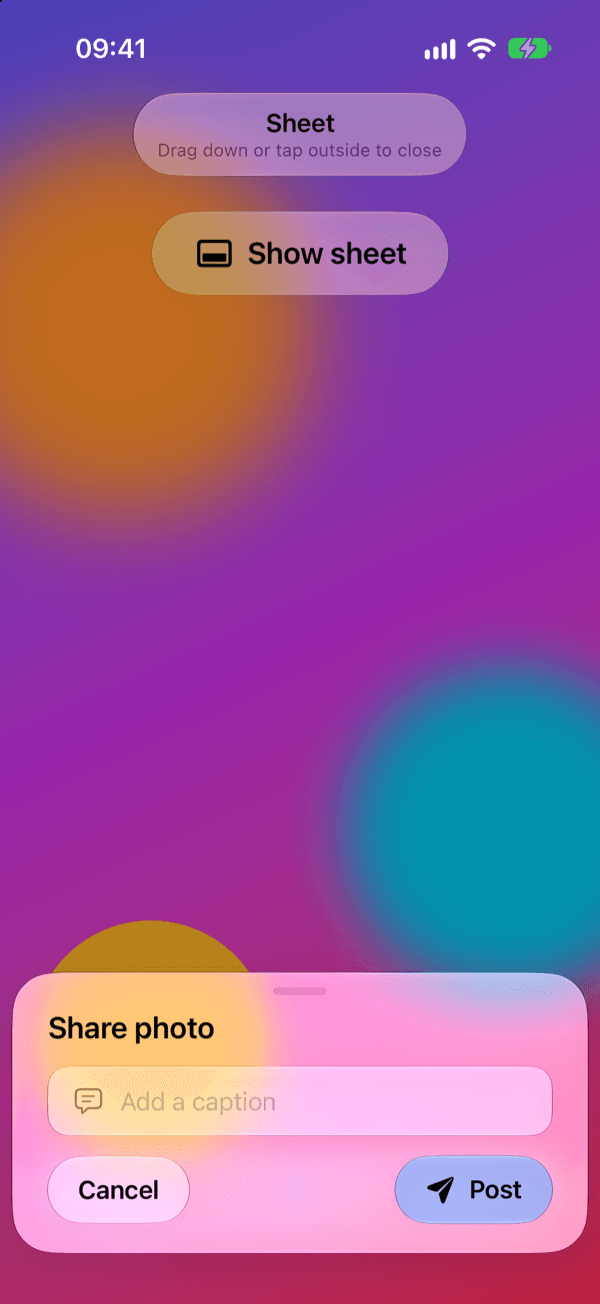
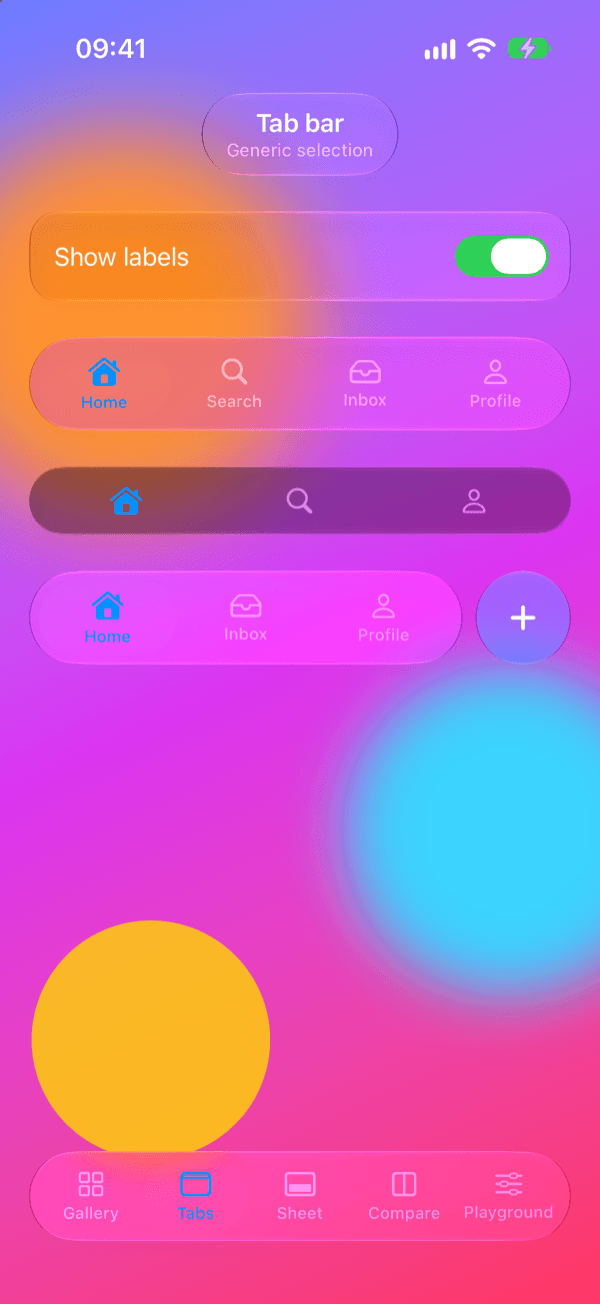
- Ready-made controls: buttons, a switch style, a slider, cards, text fields, a search bar, a floating tab bar with an action button and badges, a navigation bar and a bottom sheet
- Gradient-tinted glass and animated shimmer, pulse and breathe highlights on both rendering paths
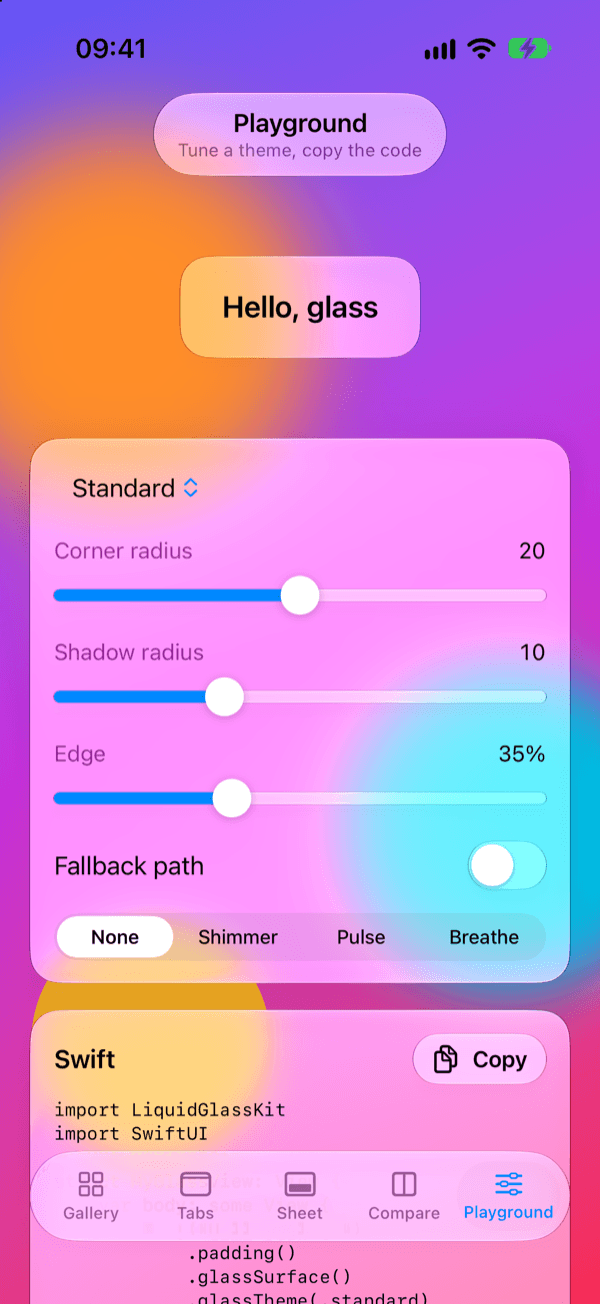
- GlassTheme for a whole view hierarchy, 14 presets in GlassPreset, and GlassCodeExporter to turn a tuned theme back into Swift
- Accessibility: the fallback draws an opaque background with Reduce Transparency and a stronger edge with Increase Contrast, no highlights with Reduce Motion, SwiftUI's own VoiceOver behavior for the switch and slider
- No name clashes with SwiftUI's glassEffect, GlassEffectContainer or GlassButtonStyle, so both modules can be imported in one file
- Swift Testing suites with offscreen pixel checks, run in CI on macOS, an iOS 26 simulator and an iOS 18.6 simulator
Quickstart
1import LiquidGlassKit2import SwiftUI3 4struct ContentView: View {5 var body: some View {6 ZStack {7 LinearGradient(colors: [.indigo, .pink], startPoint: .top, endPoint: .bottom)8 .ignoresSafeArea()9 VStack(spacing: 16) {10 GlassCard {11 Label("Hello, glass", systemImage: "sparkles")12 }13 GlassButton("Tap me", systemImage: "hand.tap") {}14 }15 }16 }17}Installation
Swift Package Manager (Xcode)
1https://github.com/muhittincamdali/LiquidGlassKit.gitSwift Package Manager (Package.swift)
1dependencies: [2 .package(url: "https://github.com/muhittincamdali/LiquidGlassKit.git", from: "2.1.0")3],4targets: [5 .target(name: "YourApp", dependencies: [6 .product(name: "LiquidGlassKit", package: "LiquidGlassKit")7 ])8]Screenshots
Timeline
Repository opened; the v1.0.0 tag points at the first commit, which does not build
Simplification: most of the source was removed and replaced by placeholders; the tests did not compile and CI hid it with continue-on-error
Rebuilt for Swift 6 as 2.0.0 (PR #5): glassSurface with a native and a Material path, Swift Testing, DocC and a demo app
2.1.0 (PR #7): controls, effects, presets and a code exporter rewritten from LiquidGlass-Playground and GlassmorphismUI, which were archived