iOS-Widget-Development-Kit
SwiftUI views and helpers for WidgetKit widgets, charts, timelines, App Intents and Live Activities
License: MIT
WidgetDevelopmentKit is a Swift package for developers who build widgets for their iOS apps. It contains ready-made SwiftUI views for Home Screen, Lock Screen and StandBy widgets, chart views sized for widgets, helpers for timelines and for the data the app shares with its widget, App Intents for widget buttons, and ActivityKit attributes and views for Live Activities. You still write the widget extension; the package saves you the views and the date, storage and retry logic that every widget needs. It has no third-party dependencies.
Features
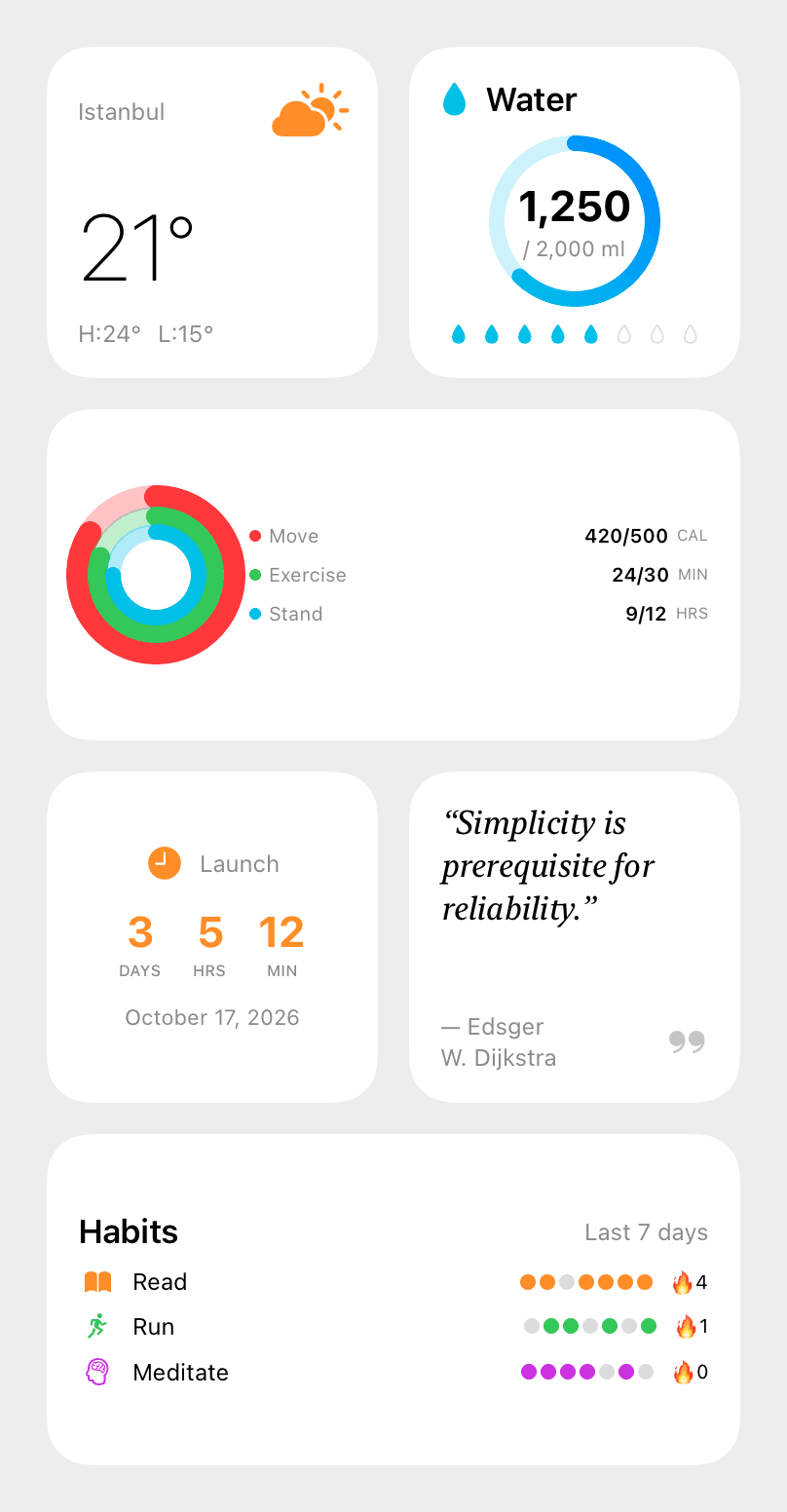
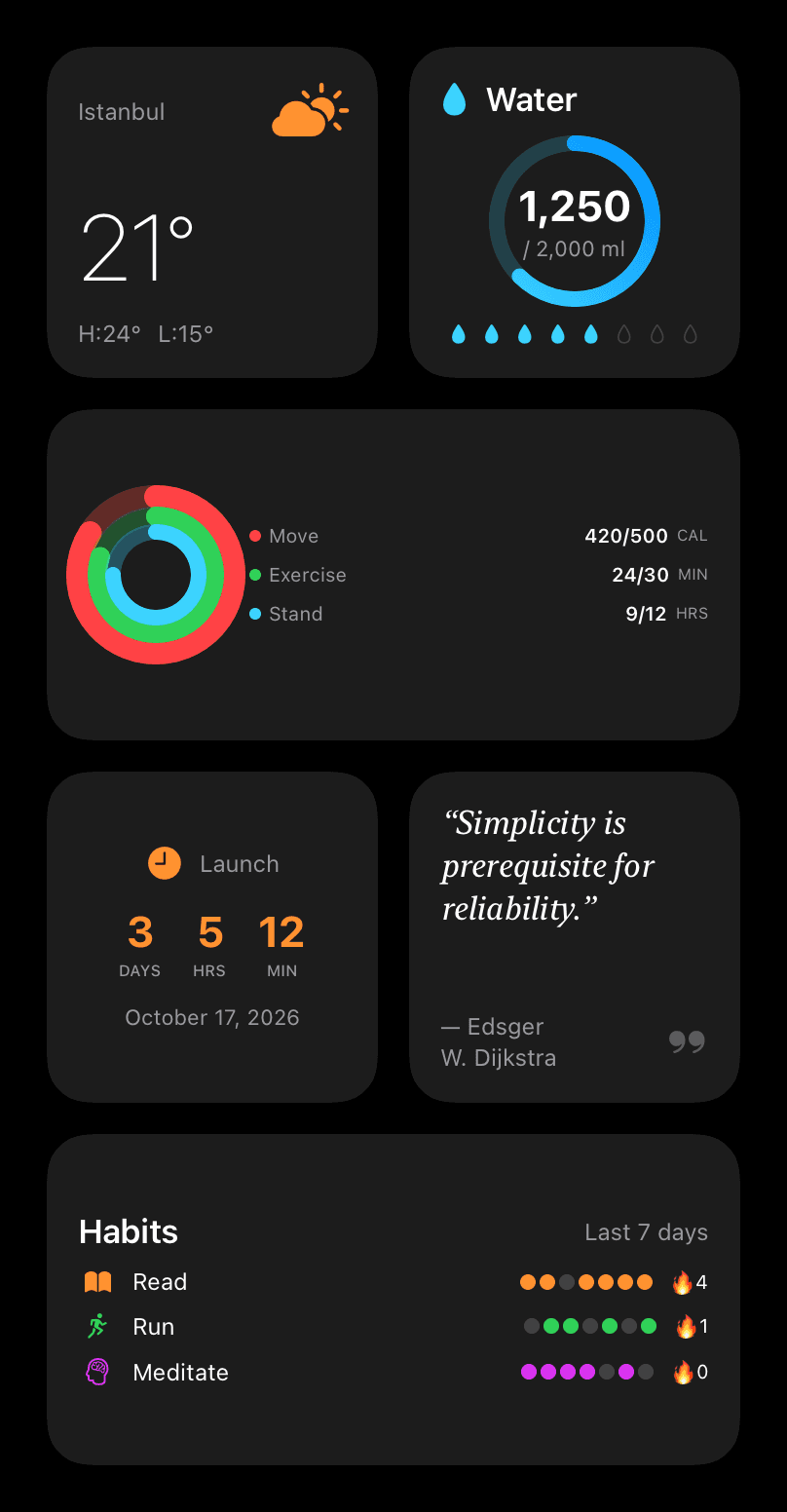
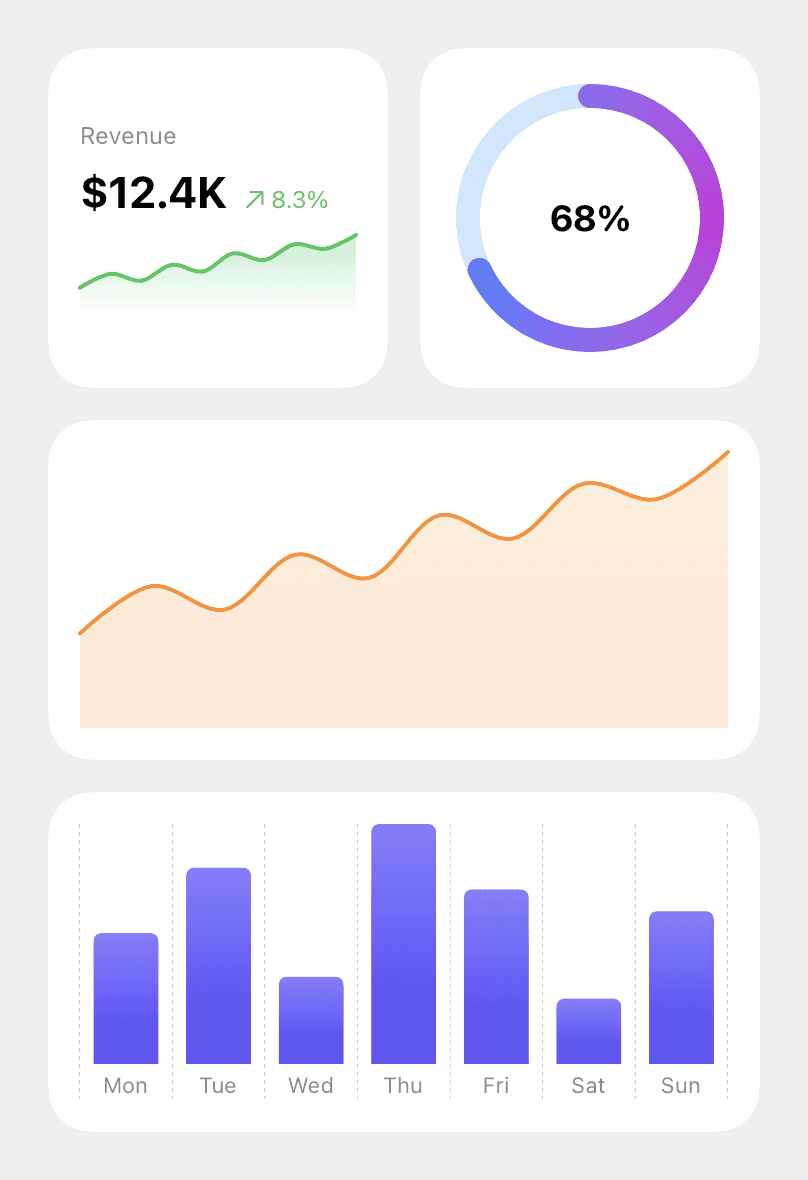
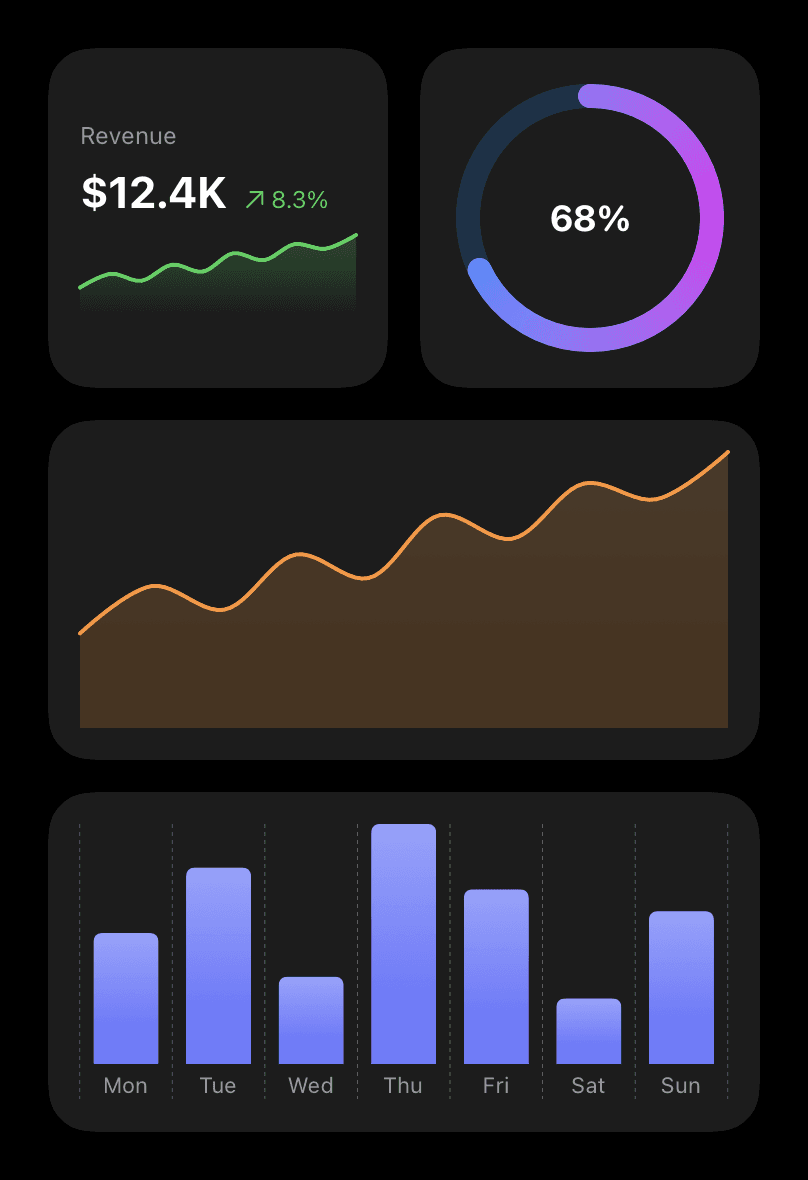
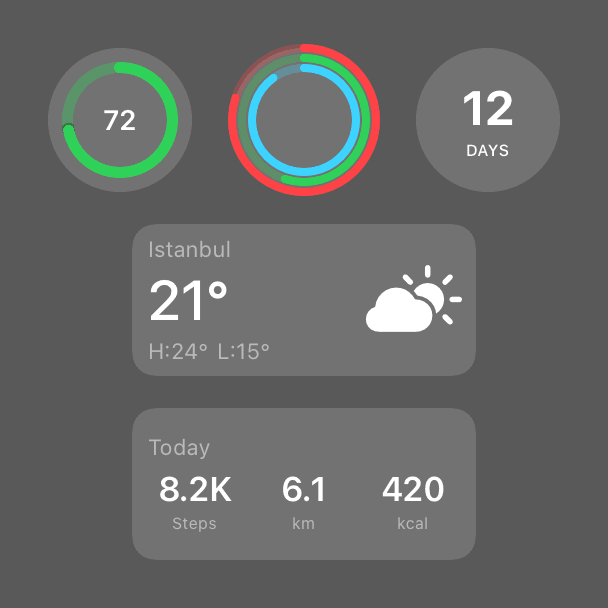
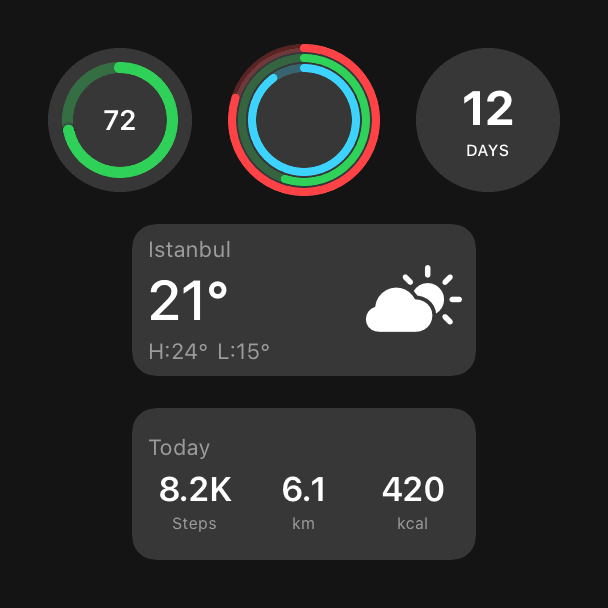
- Home Screen templates such as weather, stats, finance, calendar, countdown, clock, fitness rings, habit tracker, to-do and water, plus 9 Swift Charts views sized for widgets
- 15 Lock Screen accessory views (circular, rectangular, inline) and 7 StandBy views
- Timeline helpers: entry dates, reload policies that use calendar arithmetic, and a snapshot store with expiry for data shared through an App Group
- Interactive widgets: 5 App Intents and 8 views with buttons that run them
- Live Activities: 10 ActivityAttributes types with Lock Screen and compact Dynamic Island views, and a state machine that rejects out-of-order updates
- A data loader that retries only transient errors (408, 5xx, timeouts, offline) and fails fast inside the widget extension
- Date, number and retry logic covered by Swift Testing tests, including NaN, zero goals and daylight-saving days; a test keeps README code blocks in sync with compiled code
Quickstart
1struct LaunchEntry: TimelineEntry {2 let date: Date3}4 5struct LaunchProvider: TimelineProvider {6 func placeholder(in context: Context) -> LaunchEntry {7 LaunchEntry(date: .now)8 }9 10 func getSnapshot(in context: Context, completion: @escaping (LaunchEntry) -> Void) {11 completion(LaunchEntry(date: .now))12 }13 14 func getTimeline(in context: Context, completion: @escaping (Timeline<LaunchEntry>) -> Void) {15 // One entry per hour for the next six hours, then WidgetKit asks again.16 let entries = TimelineSchedule.dates(from: .now, every: 60 * 60, count: 6).map(LaunchEntry.init)17 completion(Timeline(entries: entries, policy: .atEnd))18 }19}20 21struct LaunchCountdownWidget: Widget {22 let launchDay = DateComponents(calendar: .current, year: 2027, month: 1, day: 1).date ?? .now23 24 var body: some WidgetConfiguration {25 StaticConfiguration(kind: "launch", provider: LaunchProvider()) { entry in26 CountdownWidget(title: "Launch", targetDate: launchDay, referenceDate: entry.date)27 }28 .configurationDisplayName("Countdown")29 .supportedFamilies([.systemSmall])30 }31}Installation
Xcode (File › Add Package Dependencies…)
1https://github.com/muhittincamdali/iOS-Widget-Development-Kit.gitSwift Package Manager
1dependencies: [2 .package(url: "https://github.com/muhittincamdali/iOS-Widget-Development-Kit.git", from: "2.0.0")3],4targets: [5 .target(name: "YourApp", dependencies: [6 .product(name: "WidgetDevelopmentKit", package: "iOS-Widget-Development-Kit")7 ])8]Screenshots
Timeline
Repository opened
v1.0.0 tagged; the manifest at this tag does not load, so this version cannot be built
Simplified to a single library target of about 240 lines; the test target still did not compile
Rebuilt and released as 2.0.0 (PR #28): views restored from history and fixed, Swift 6 manifest, Swift Testing tests, DocC, example app and CI