iOS-Notification-Framework
Schedule local notifications past iOS's 64 limit, route taps and send pushes through APNs.
License: MIT
NotificationKit is a Swift package for apps that schedule notifications on the device and for the servers that push to them. It wraps UserNotifications in value types and fixes the parts that fail silently: iOS keeps only the 64 soonest pending notifications of an app and drops the rest without an error, some invalid values crash the app instead of throwing, and the delegate callbacks are hard to use from Swift concurrency. A second library, NotificationKitAPNs, sends pushes through APNs with the same payload type the app reads. Neither library has dependencies outside Apple's SDK.
Features
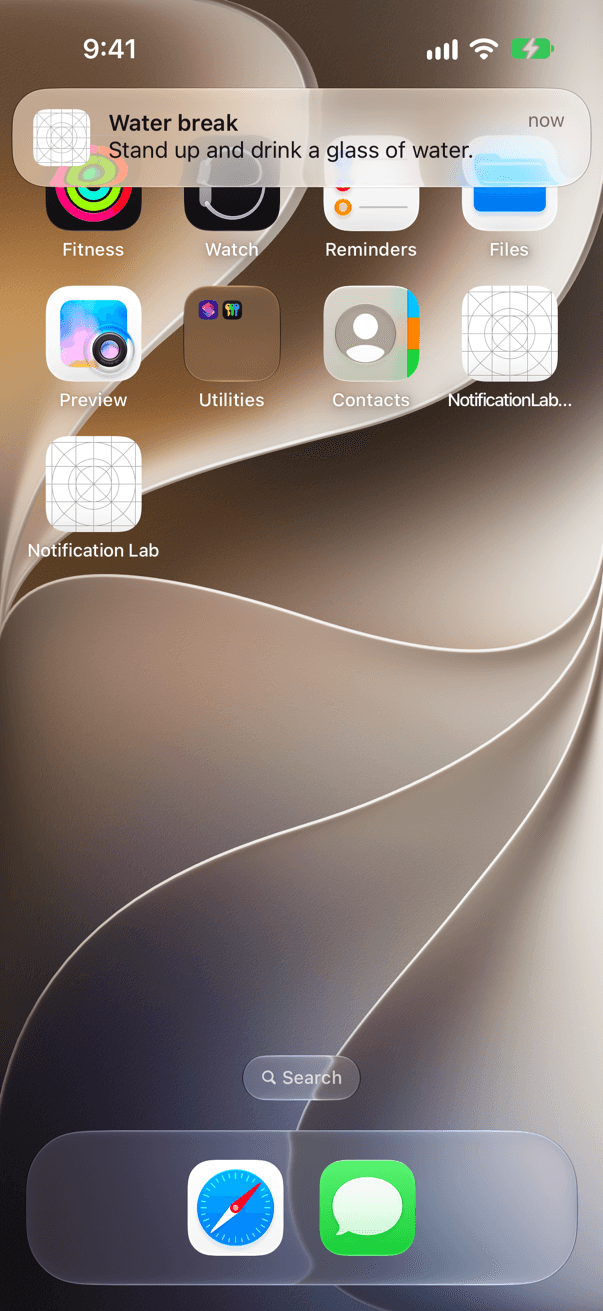
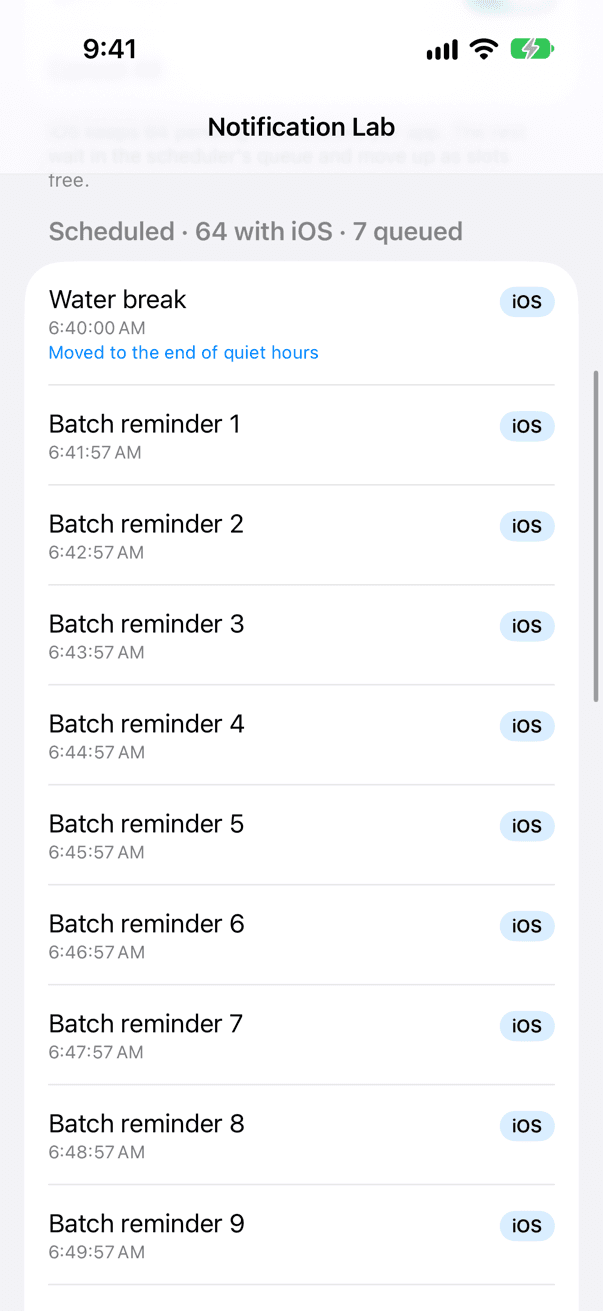
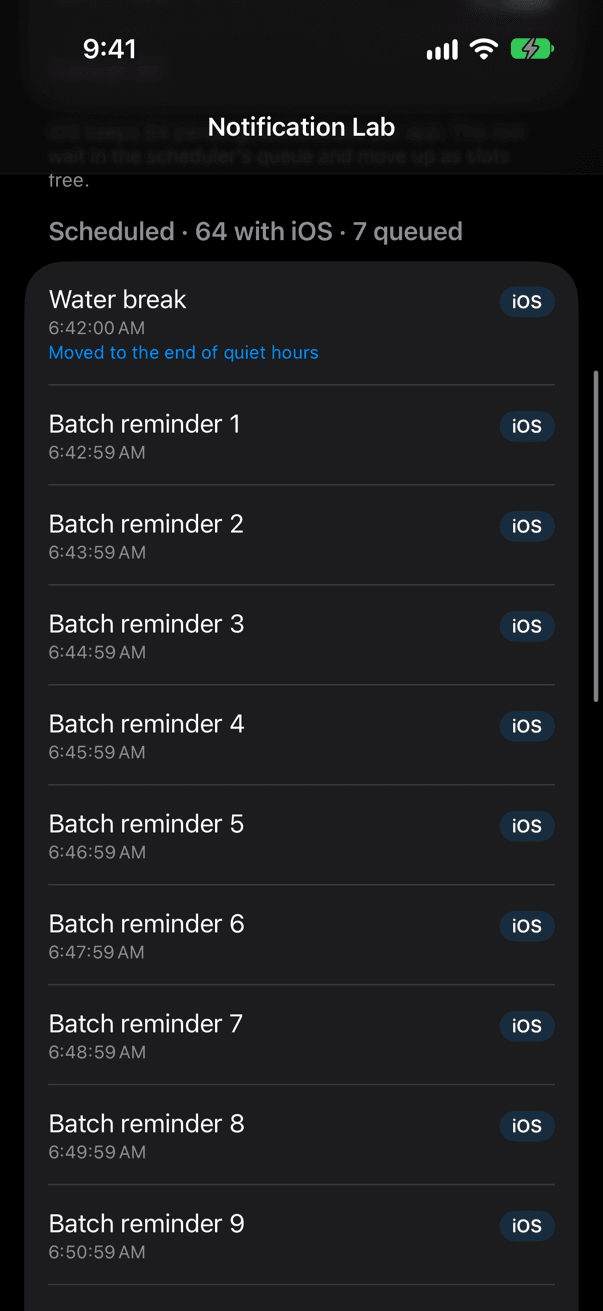
- No lost notifications past 64: NotificationScheduler hands iOS the 64 soonest, keeps the others in a saved queue and moves them up as slots free
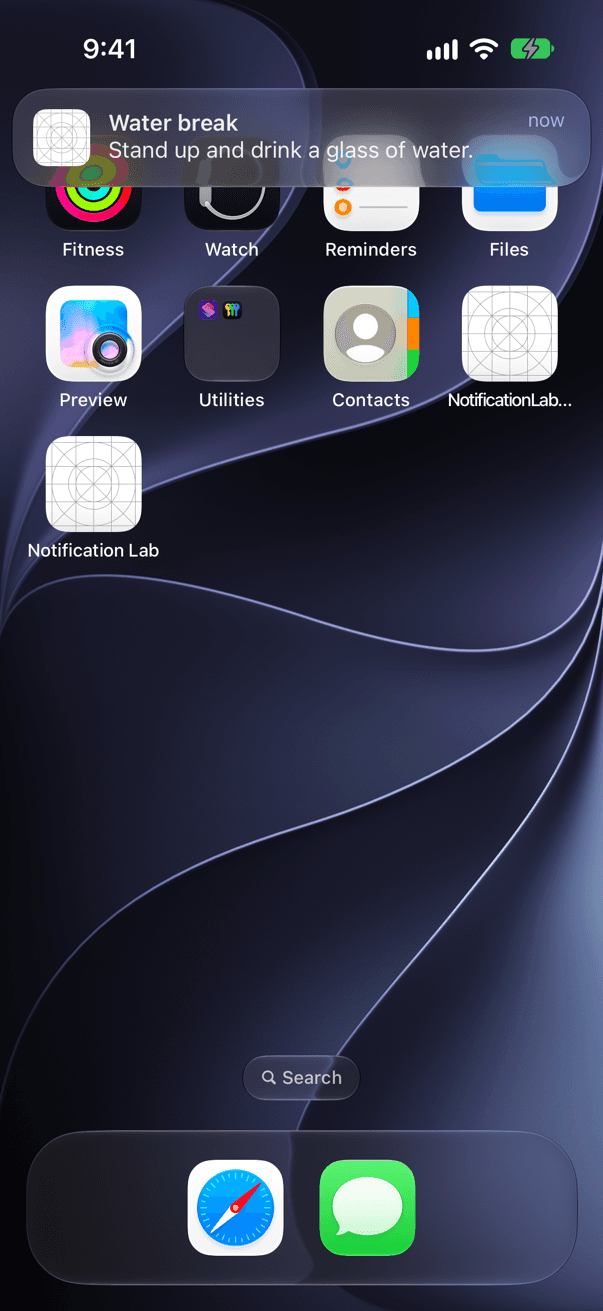
- Quiet hours and a frequency cap checked against the time a notification fires, so a reminder set at 21:00 for 23:00 waits for the morning
- Errors instead of crashes: a repeating interval under 60 seconds, a NaN relevance score or hour 25 throws a NotificationValidationError before UNUserNotificationCenter sees it
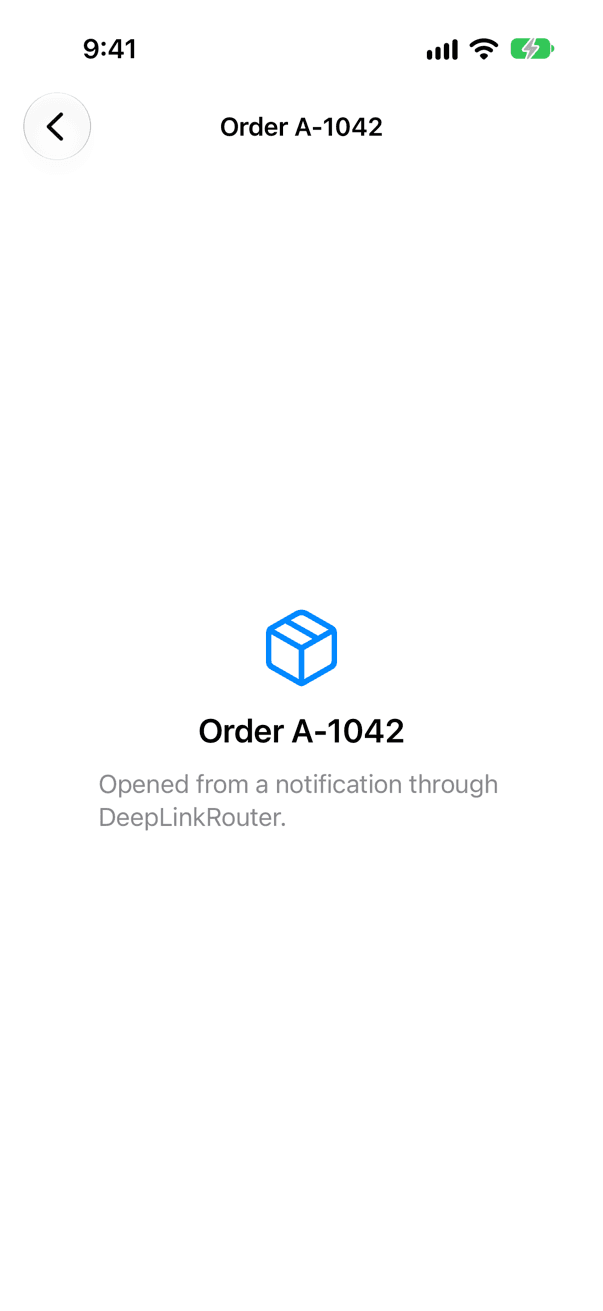
- Taps, actions and deep links as values: NotificationEventHandler turns delegate callbacks into AsyncStreams, and DeepLinkRouter opens screens only from allowed schemes and hosts
- Push on both sides: a typed PushPayload with APNs' size limits, a DeviceToken that never prints in full, a media-downloading Notification Service Extension and an APNs client with token authentication
- InMemoryNotificationCenter keeps the system's 64-notification limit, so scheduling logic runs in plain unit tests
Quickstart
1import NotificationKit2import SwiftUI3 4let scheduler = NotificationScheduler() // one for the whole app5 6struct ContentView: View {7 var body: some View {8 Button("Remind me in 10 seconds") {9 Task {10 do {11 try await scheduler.requestAuthorization()12 try await scheduler.schedule(LocalNotification(13 id: "water",14 title: "Time for a glass of water",15 body: "You asked for this reminder 10 seconds ago.",16 trigger: .after(seconds: 10)17 ))18 } catch {19 print("Could not schedule the reminder:", error)20 }21 }22 }23 }24}Installation
Swift Package Manager
1dependencies: [2 .package(url: "https://github.com/muhittincamdali/iOS-Notification-Framework.git", from: "2.0.0")3],4targets: [5 .target(name: "YourApp", dependencies: [6 .product(name: "NotificationKit", package: "iOS-Notification-Framework")7 ]),8 // A server or command-line tool that sends pushes:9 .executableTarget(name: "PushServer", dependencies: [10 .product(name: "NotificationKitAPNs", package: "iOS-Notification-Framework")11 ])12]Xcode
1https://github.com/muhittincamdali/iOS-Notification-Framework.gitScreenshots
Timeline
Repository opened as a notification framework prototype; most early commits were documentation, examples and CI
v1.0.0 released; main restarted from a single commit with a builder-based API
Small prototype additions: a SwiftUI preview, a Live Activity manager and a predictive push type
Rebuilt as 2.0.0 around a testable notification center; the prototype sources were removed and no 1.x API was kept