AppClipsStudio
Invocation routing, size checks and website association for iOS App Clips.
License: MIT
A Swift package for iOS App Clips and the apps they belong to. It validates the invocation URL the system passes at launch and routes it to your screens the way App Store Connect routes it to App Clip experiences, confirms the person is where the code is, and hands the App Clip's data to the full app. Its appclipstudio command-line tool checks each variant's size, App Clip Code URLs, the apple-app-site-association file and Associated Domains entries before you upload. No dependencies.
Features
- Invocation routing with Apple's matching rule: patterns such as /table/:number and /shop/*, the most specific prefix wins, handlers can decline a match, and a fallback covers the rest of a registered prefix
- Untrusted input stays bounded: https only, at most 2,048 bytes, 32 path components and 64 query items, no . or .. components, and no control or format characters in the decoded host, path or query
- Size checks per variant: Apple's 10, 15 and 100 MB limits applied to Xcode's App Thinning Size Report.txt by iOS version, deployment target and invocation type, with an exit status for CI
- Website association: generate and validate apple-app-site-association, check appclips: and applinks: entitlement entries, and lint App Clip Code URLs against Apple's rules
- HandoffStore passes a versioned, expiring, size-limited Codable value to the full app through the shared App Group
- Location confirmation with a validated region of at most 500 m, and the App Store overlay for the full app
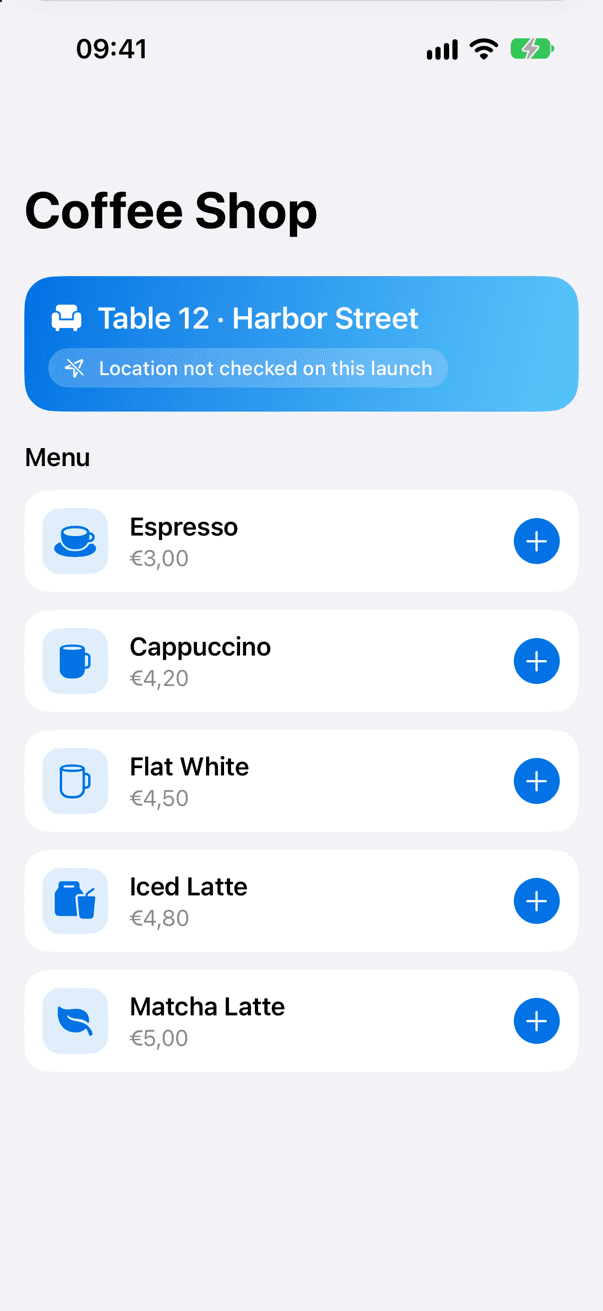
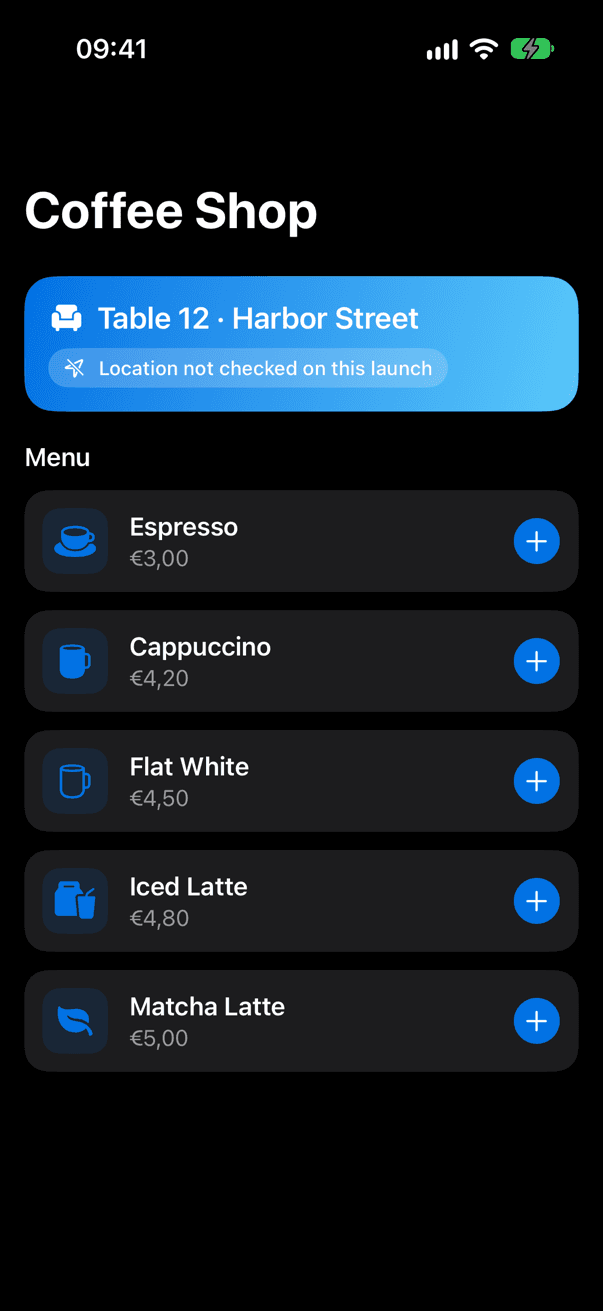
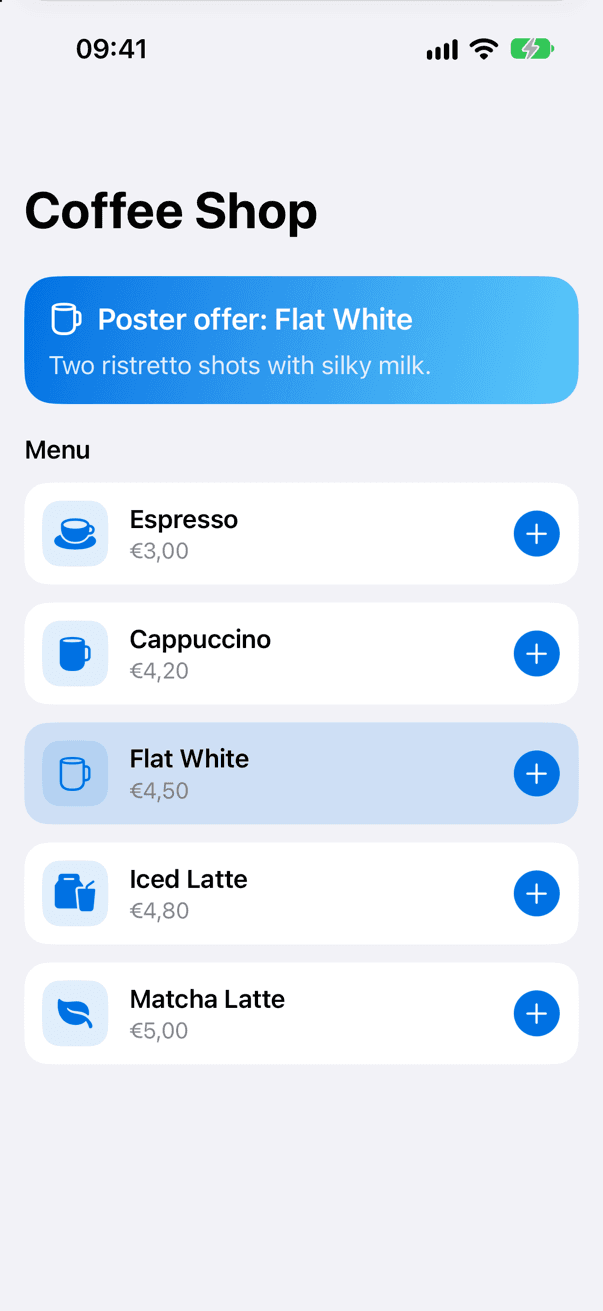
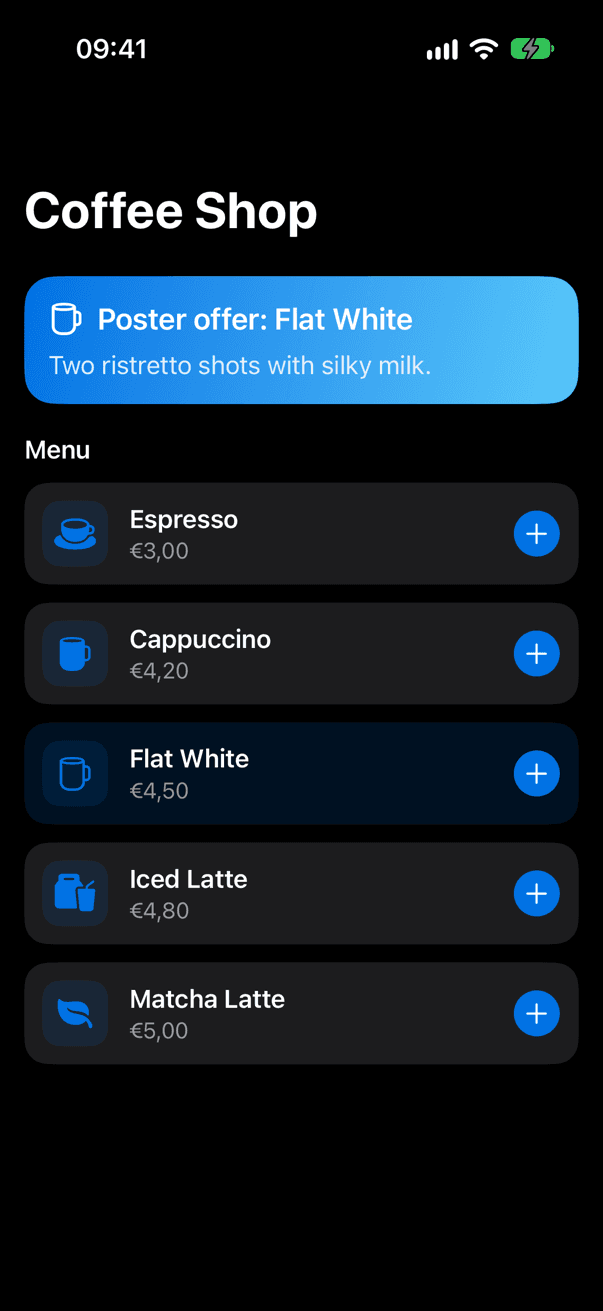
- An example app and App Clip (Examples/CoffeeShop) built from shared sources; CI builds it and the README samples are copied from it
Quickstart
1import AppClipsStudio2import SwiftUI3 4enum Screen: Equatable {5 case welcome6 case table(Int)7}8 9struct ContentView: View {10 @State private var screen = Screen.welcome11 12 var body: some View {13 Group {14 switch screen {15 case .welcome: Text("Scan a table tag")16 case .table(let number): Text("Table \(number)")17 }18 }19 .font(.largeTitle)20 .onInvocation { invocation in21 screen = (try? Self.router.route(invocation)) ?? .welcome22 }23 }24 25 static let router: InvocationRouter<Screen> = {26 var router = InvocationRouter<Screen>()27 try? router.add("/table/:number") { match in28 match.integer("number").map(Screen.table)29 }30 router.fallback { _ in .welcome }31 return router32 }()33}Installation
Swift Package Manager
1dependencies: [2 .package(url: "https://github.com/muhittincamdali/AppClipsStudio.git", from: "2.0.0")3],4targets: [5 .target(name: "YourAppFeature", dependencies: [6 .product(name: "AppClipsStudio", package: "AppClipsStudio")7 ])8]Xcode
1https://github.com/muhittincamdali/AppClipsStudio.gitCommand-line tool
1git clone https://github.com/muhittincamdali/AppClipsStudio.git2cd AppClipsStudio3swift build -c release4cp .build/release/appclipstudio /usr/local/bin/ # or run it with `swift run appclipstudio`Screenshots
Timeline
Repository opened as a modular App Clip framework
v1.0.0 tagged; documentation and CI work, while the module sources stayed placeholders
Cleanup: the modules were consolidated into a single target of a few stubs
Rebuilt as 2.0.0 from Apple's App Clip documentation: invocation routing, size checks, website association and the appclipstudio CLI; no 1.0.0 API kept